
Edubrain AI Humanizer: Bypass AI Detectors
Transform AI-generated content into authentic and engaging language.
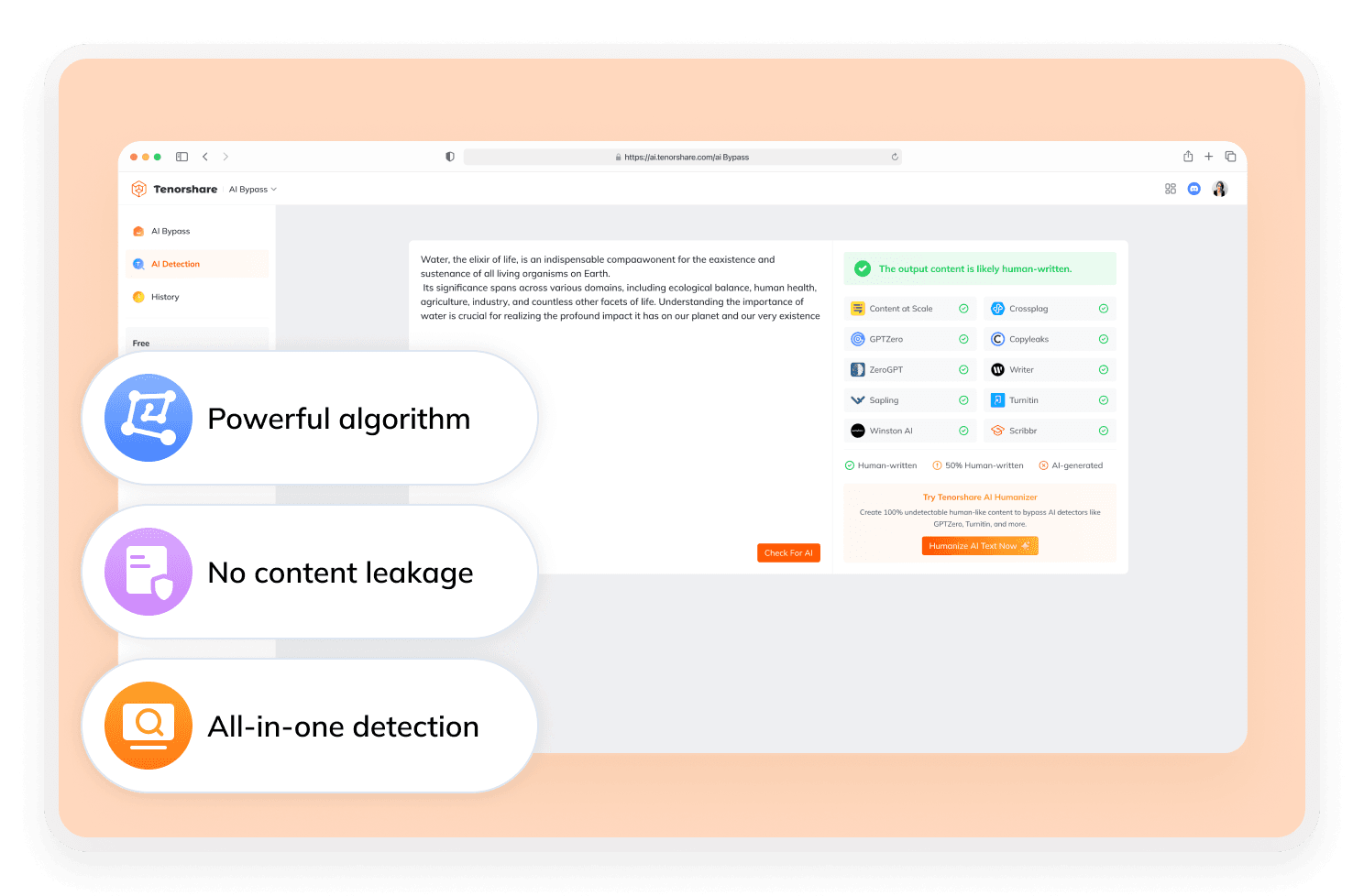
What Is Edubrain AI Humanizer?
Edubrain AI Humanizer is a free online AI bypass tool designed to transform AI-generated text into more natural, human-like writing. It features a user-friendly workflow and places strong emphasis on data privacy. Additionally, it is specifically built to reduce detectable AI patterns, making the content less likely to be flagged by AI detection tools such as GPTZero.

How to Use Edubrain AI Humanizer?
Step 1
Add Content
Copy and paste your content into the input box.
Step 2
Hit "Humanize"
Click the button to begin and wait for a moment to get human-like, plagiarism-free writing.
Step 3
Copy Text
Once the content feels right, copy the text and make necessary changes.
How Does Edubrain AI Humanizer Work?
Edubrain AI Humanizer analyzes and reshapes AI text to mimic natural human writing patterns, making it harder to detect.
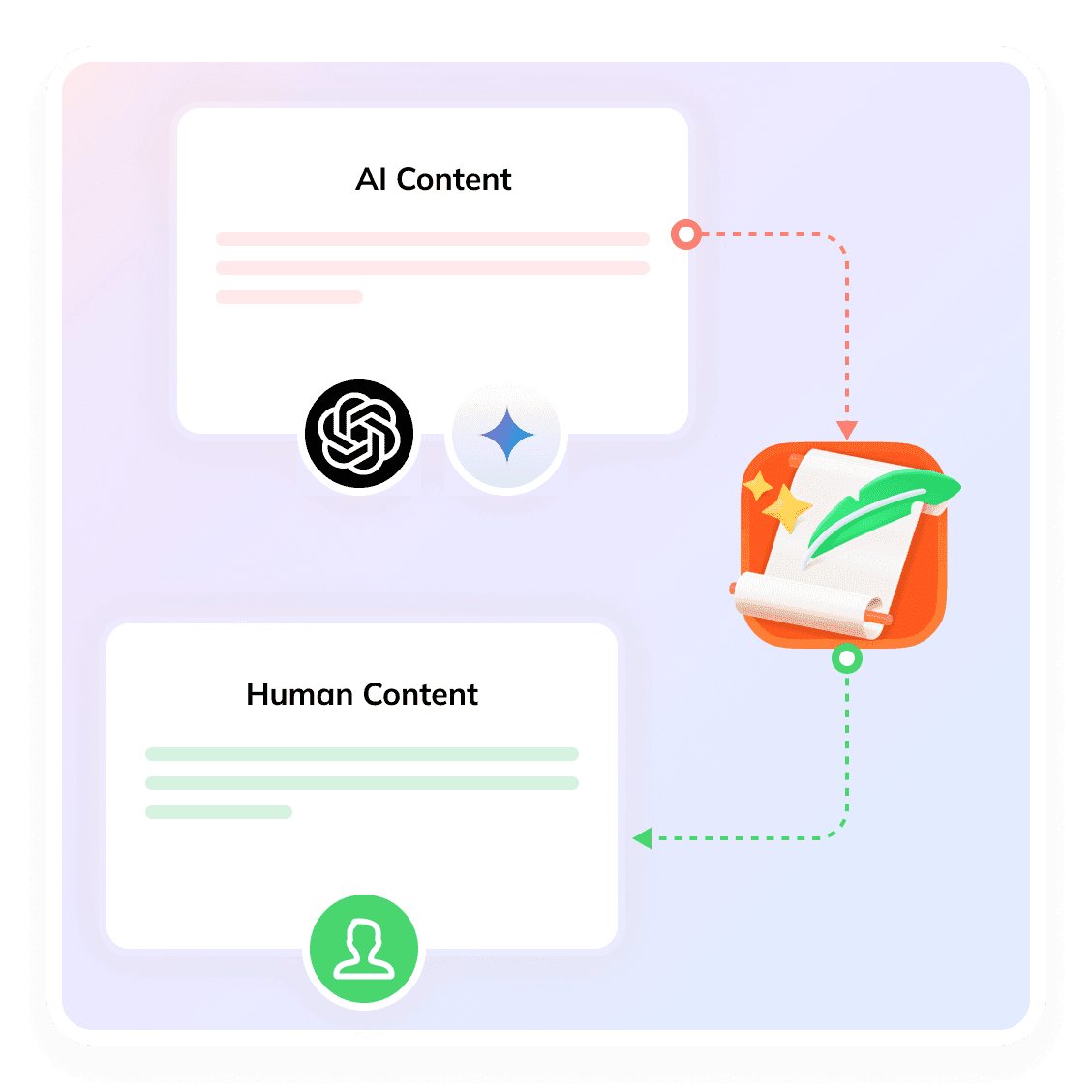

NLP-Based Analysis
Uses advanced Natural Language Processing to detect overly predictable patterns in AI-generated text.
Introduce “burstiness”
Adds variation in wording and phrasing to mimic the natural inconsistency found in human writing.
Vary Sentence Structure
Adjusts sentence length and syntax to avoid repetitive, machine-like patterns.
Break AI Rhythm
Disrupts the uniform flow typical of AI models, making the text feel more organic.
Reduce Detection Likelihood
Produces a rewritten version that is less likely to be flagged by tools like GPTZero and Turnitin.
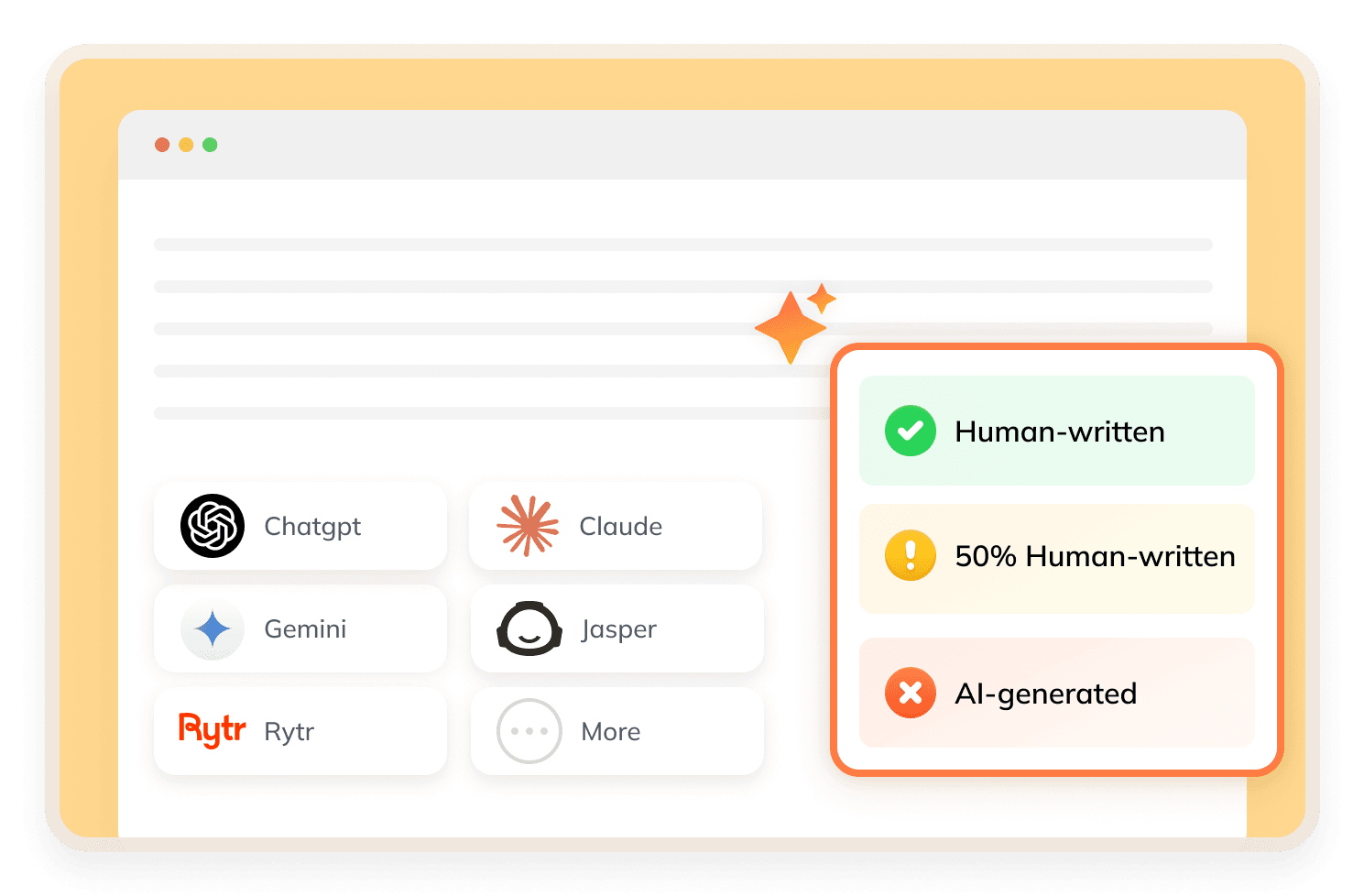
Is Edubrain AI Humanizer Worth It?
Edubrain AI Humanizer, also known as the Edubrain AI Humanizer Homework Helper, is a great tool for students. It turns rigid AI-generated content into clear, natural study materials. For humanization needed in high-stakes projects, Tenorshare AI Bypass is the better option, which delivers advanced multi-mode rewriting.
Discover Free Tools to Take Your Writing Further
Do You Have Questions?
We have answers & Al tool resources for you.
Is Edubrain AI Humanizer Free?
Edubrain offers a free version that accepts unlimited requests. For advanced features, such as deeper reasoning and ad-free processing, users can upgrade to Premium plans.
Does Edubrain AI Humanizer's Output Require Manual Editing?
While the tool improves flow and rhythm, It recommends a final human review. This ensures that the context remain intact and accurate.
Is Edubrain AI Humanizer Easy To Use?
Yes. The interface is intentionally minimalist, requiring no complex configuration. Users simply paste their text and click one button to receive the humanized version.
Can Edubrain AI Humanizer Remove Plagiarism?
No. Edubrain AI Humanizer explicitly states that the humanizer focuses on AI detection scores, not plagiarism.
What Happens To My Data After Humanization?
It follows a strict temporary memory protocol. Your text is processed and then wiped the moment you close the page.
What Is the Top Alternative to Edubrain AI Humanizer?
Tenorshare AI Bypass comes with professional humanization features and more flexible settings to create natural, human-like writing.
Improve AI Content With Edubrain AI Humanizer
For consistent, undetectable results in English, try Tenorshare AI Bypass today.
