
Tenorshare Photoshop Detector: Reveal Edited Images Instantly
Uncover the truth behind every photo using Tenorshare Photoshop Detector online free for fast and accurate analysis.
What You Can Detect with Tenorshare Photoshop Detector
Identify Photoshop edits, AI retouching, and fake visuals accurately online.

Deepfake Celebrities
AI face swaps of public figures.
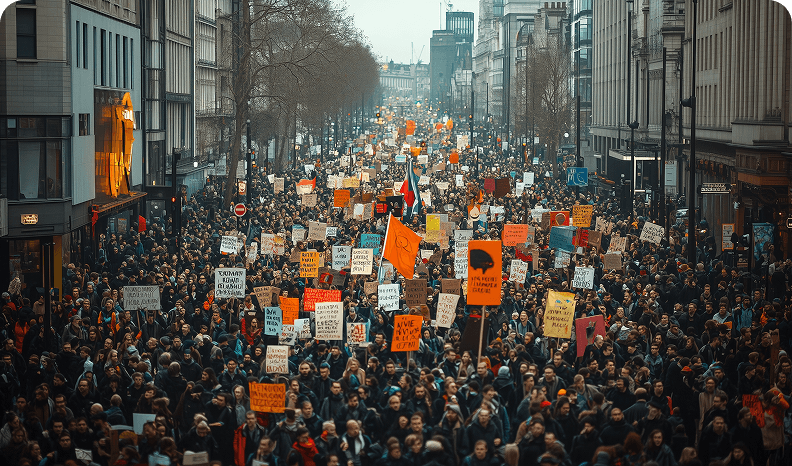
Fake News
Synthetic images used to mislead the public.

Fake ID
AI-generated IDs and spoofed selfies.

Art Theft
Unlicensed use of original artwork via AI.

Style Copying
AI mimicking an artist’s visual style.

Elderly Scam
AI-generated images tricking seniors into financial loss.
Deepfake Celebrities
AI face swaps of public figures.
Fake News
Synthetic images used to mislead the public.
Fake ID
AI-generated IDs and spoofed selfies.
Art Theft
Unlicensed use of original artwork via AI.
Style Copying
AI mimicking an artist’s visual style.
Elderly Scam
AI-generated images tricking seniors into financial loss.

NSFW
AI-created explicit content for harm.

Fake Ads
Misleading brand visuals and product promotions.

Academic Dishonesty
Medical research using AI-generated images

Insurance Claims
Faked damage photos for fraud.
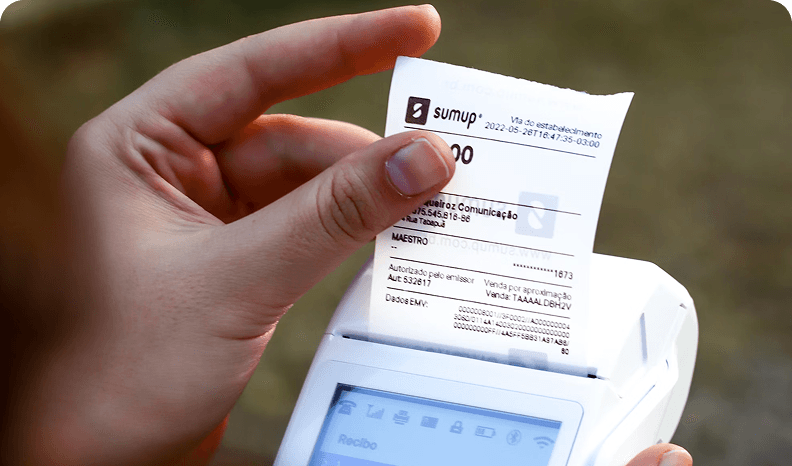
Financial Scam
Fake receipts and documents via AI.

Fake Evidence
AI-altered photos in legal cases.
NSFW
AI-created explicit content for harm.
Fake Ads
Misleading brand visuals and product promotions.
Academic Dishonesty
Medical research using AI-generated images
Insurance Claims
Faked damage photos for fraud.
Financial Scam
Fake receipts and documents via AI.
Fake Evidence
AI-altered photos in legal cases.
How Does Tenorshare Photoshop Detector Work?
Tenorshare Photoshop Detector online free uses AI models to uncover hidden edits in seconds.


Layer and Pixel Analysis
Examines visual inconsistencies created during Photoshop editing.
Lighting and Shadow Review
Detects mismatched lighting or reflections caused by compositing.
Texture and Artifact Check
Identifies unnatural smoothness or repeated pixel structures.
Instant Online Detection
Generates results instantly using Tenorshare Photoshop Detector online.

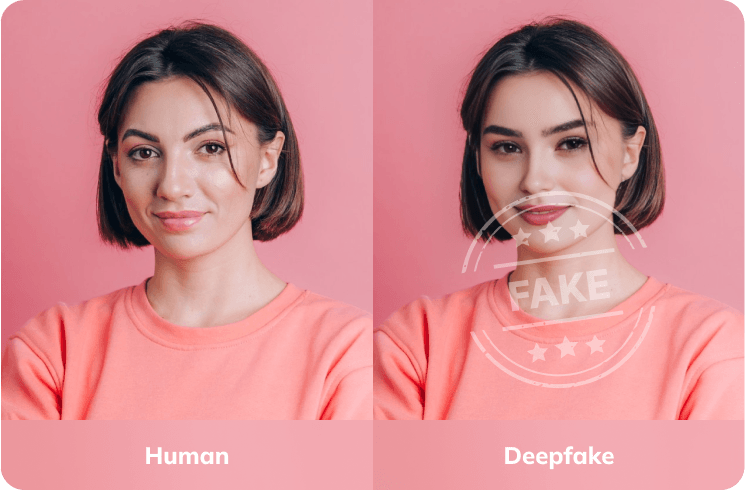
Is Tenorshare Photoshop Detector Accurate?
Yes, it provides strong accuracy in detecting photoshopped, AI-generated, or fake images. Tenorshare Photoshop Detector stands among the best Photoshop detector tools for professionals and general users seeking reliable verification.
How to Use Tenorshare Photoshop Detector Online Free?
Step 1
Upload Image
Select the photo you want to analyze.
Step 2
Automatic Detection
The scan begins automatically once uploaded to Tenorshare Photoshop Detector online.
Step 3
Review Results
View whether the image is genuine, photoshopped, or AI-edited.
Do You Have Questions?
We have answers & Al tool resources for you.
What is Tenorshare Photoshop Detector?
It’s an online tool that identifies whether a photo has been edited, retouched, or AI-enhanced.
Is Tenorshare Photoshop Detector Free?
Yes, Tenorshare Photoshop Detector free supports basic scans, while premium versions offer more detailed analysis.
How Does Tenorshare Photoshop Detector Work?
It analyzes layers, textures, and pixel inconsistencies through Tenorshare Photoshop Detector online.
How Accurate Is Tenorshare Photoshop Detector?
It performs well in detecting most Photoshop edits, though complex composites may require deeper analysis.
Which Photoshop Detector Is the Best?
The best choice is Tenorshare Photoshop Detector, providing precise detection, fast scanning, and easy accessibility online.
Why Use Tenorshare Photoshop Detector?
Because it helps reveal hidden edits, ensure authenticity, and maintain transparency in digital visuals.
Reveal the Real Image Behind Every Edit With Tenorshare Photoshop Detector Online Free
Detect Photoshop edits, AI manipulations, or fake visuals instantly with Tenorshare Photoshop Detector online free.
