
FilterNote: Free AI to Human Text Converter
Transform robotic ChatGPT output into natural, authentic writing.
What Is FilterNote?
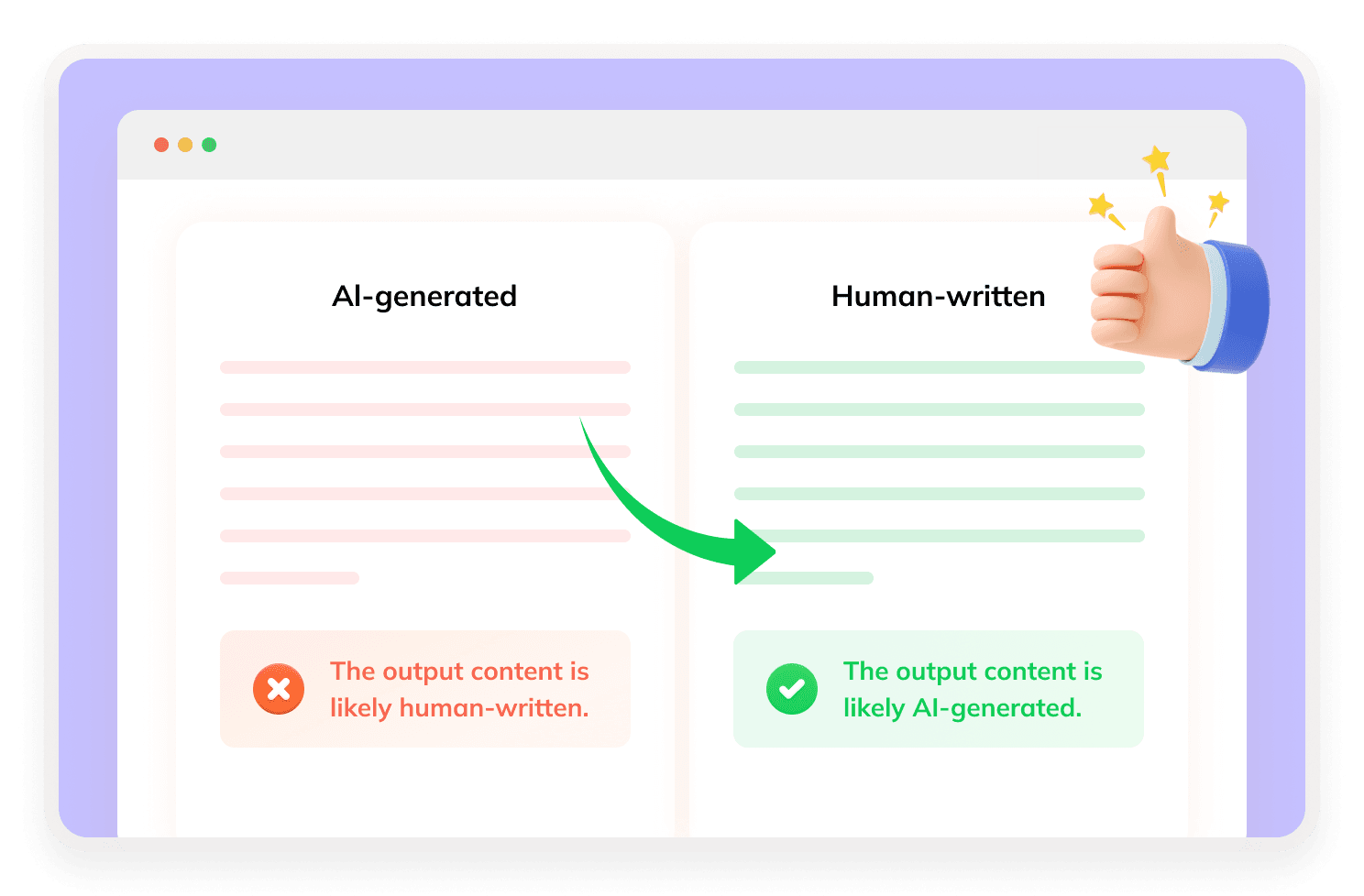
FilterNote is an AI text humanizer that rewrites AI-generated content into more natural, human-like language. Rather than generating or analyzing text, it specializes in bypassing AI detection—helping you evade AI detectors while preserving the original meaning and supporting multiple file formats.

How Does FilterNote Humanize AI-Generated Text?
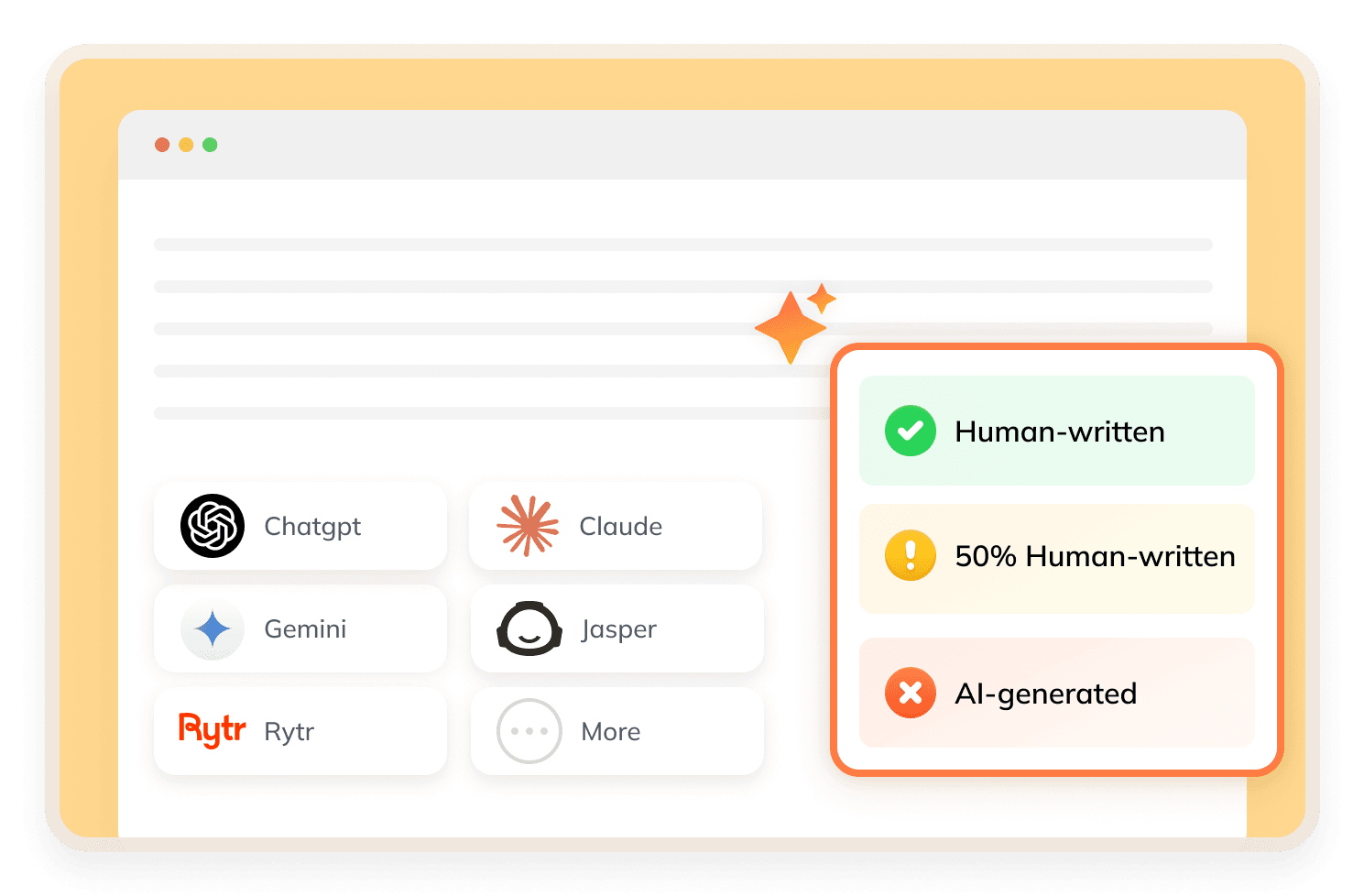
FilterNote humanizes text by applying different rewriting styles (such as Standard and Casual, with up to 8 modes available) and optimizing output for specific AI detectors like GPTZero or other systems. Instead of simple paraphrasing, it adjusts sentence structure and tone to reduce detectable AI patterns.
What Makes FilterNote Stand Out?


Meaning-Preserving Rewriting
Rewrites AI text to sound more human while maintaining the original intent and core message.
Detector-Specific Optimization
Includes options to tailor rewriting for tools like GPTZero or other AI detectors, rather than using a one-size-fits-all approach.
Multiple Humanization Styles
Provides selectable modes like Standard and Casual, with up to 8 rewriting styles to adjust tone and expression.
Flexible Input Options
Supports both direct text pasting and file uploads (such as TXT, DOCX, and PDF) for convenient content processing.
How to Use FilterNote?
Step 1
Set the Style & Mode
Choose your preferred humanization style and select a mode based on your goal.
Step 2
Press "Humanize Text"
Paste your AI-generated content or upload a file, then click the button to start the process.
Step 3
Confirm Output
Review the rewritten text, then copy or download the final version for use.
Is FilterNote Good?
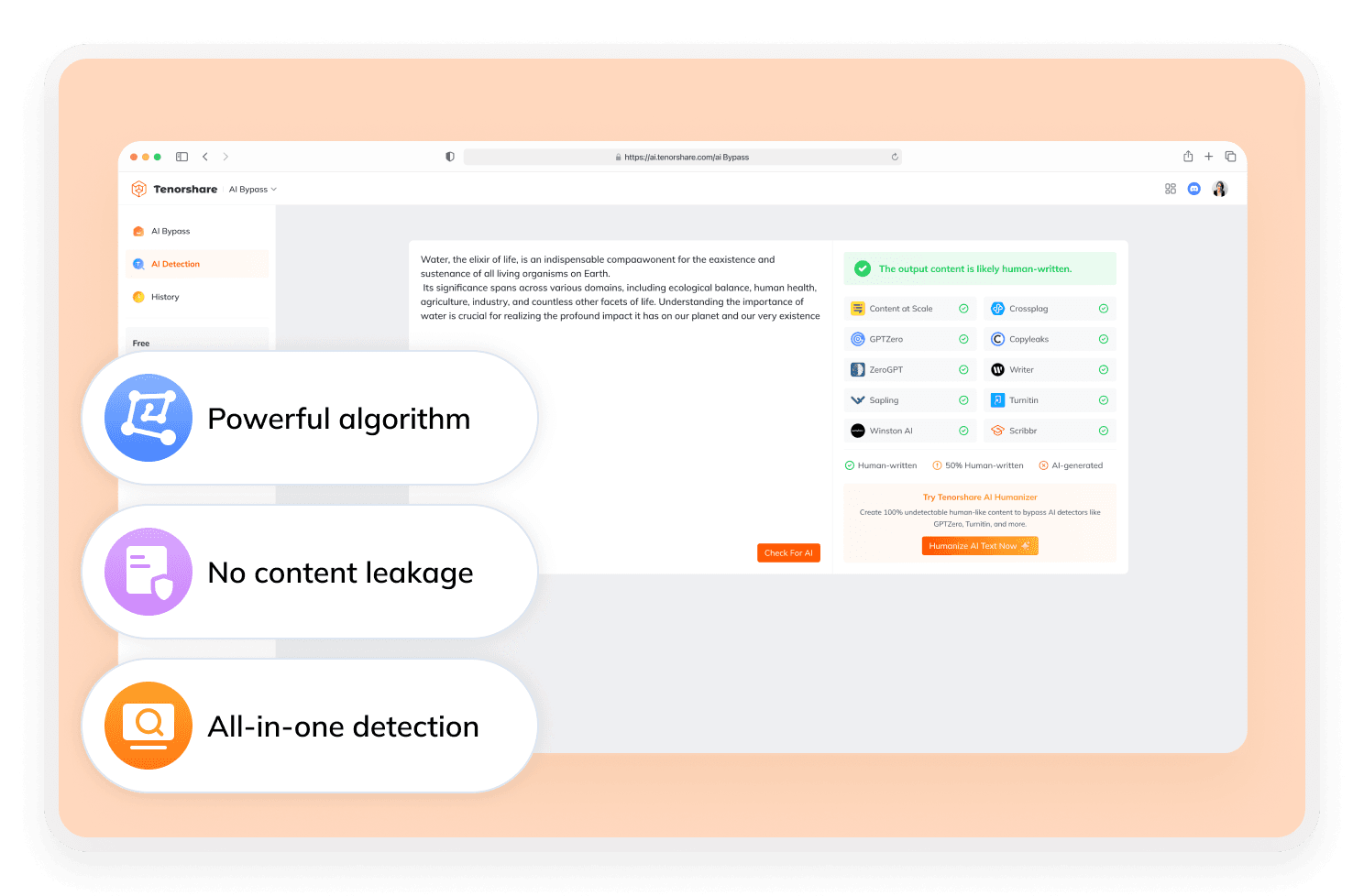
FilterNote is a reliable choice for humanizing AI text and lowering detection risk. It excels at detector-specific modes and diverse writing styles, though its performance varies and it lacks an AI detector or advanced writing tools. For result verification, Tenorshare AI Bypass combines humanization with built-in detection checks.
Discover Free Tools to Take Your Writing Further
Do You Have Questions?
We have answers & Al tool resources for you.
Can I Use FilterNote AI for Academic Work?
It can help make AI text sound more natural, but it may not be reliable for strict academic standards or integrity requirements.
What AI Detectors Does It Bypass?
It offers modes optimized for tools like GPTZero and other common AI detectors, though results are not guaranteed.
How Accurate Is the Humanized Output?
FilterNote claims its optimized engine delivers up to 99.6% human-like scores. Yet real-world bypass rates typically vary depending on content type, length, and detector used.
Is Filternote Free?
FilterNote offers a free trial with limited credits, where each word processed consumes one credit, and continued use requires purchasing additional credit packages.
Is There A FilterNote AI Detector?
No, FilterNote focuses only on humanizing text and does not include a built-in AI detection tool.
What’s the Top Alternative to FilterNote?
If you need both rewriting and verification, Tenorshare AI Bypass is a strong alternative, as it combines humanization with an integrated AI detector to check results instantly.
Want Reliable Substitutes for FilterNote?
For superior rewriting and undetectable results, use Tenorshare AI Bypass today.
