
Humanizey AI: Transform Machine Text Into a Human Voice
Make AI-written content sound natural, smoother, and easier to read.

What Is Humanizey AI?
Humanizey AI is a tool that transforms AI-generated text into natural-sounding, human-like content. It rewrites sentence flow, adjusts tone, and smooths phrasing so the output reads as if a real person wrote it rather than a machine.

Why People Choose Humanizey AI?
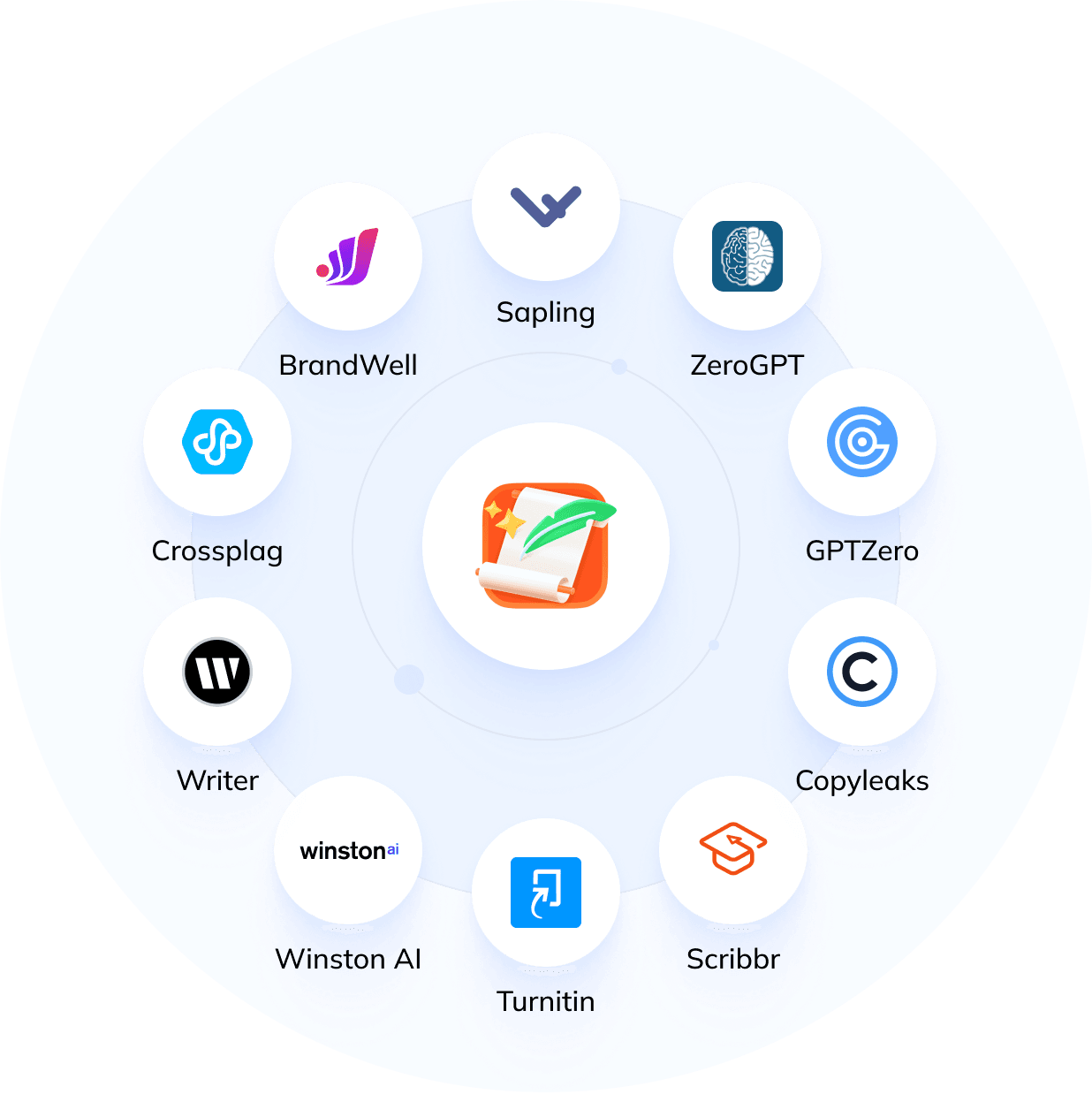

Bypass Most AI Detectors
Humanizey can evade detection tools like Turnitin, GPTZero, or Originality.ai to make content appear entirely human-written.
Original & Polished Output
It produces unique, clean content free from grammatical mistakes.
Multi-Language Support
Supports multiple languages, so you can humanize content in most major languages.
Flexible Humanization Modes
Choose between Standard, Enhanced, or Undetectable modes depending on how much rewriting you want.
How to Use Humanizey AI?
Step 1
Insert Your Text
Paste the AI-generated content you want to humanize.
Step 2
Select Humanize Mode
Choose the level of humanization you prefer.
Step 3
Copy Output
Review the rewritten text, then copy it for use anywhere.
Is Humanizey AI Really Good?
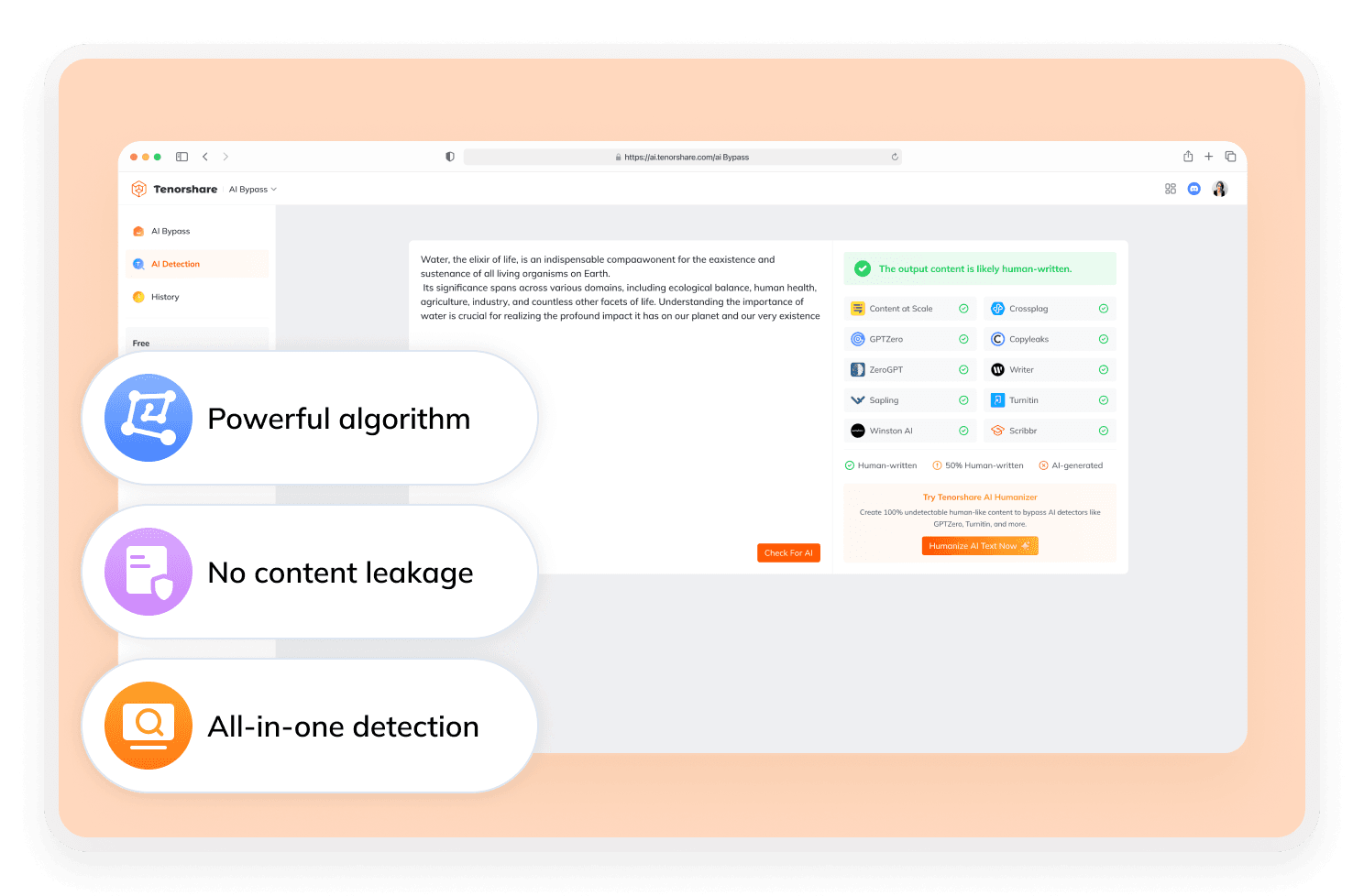
Humanizey AI can produce natural-sounding text, but several limits affect its usefulness. Its slower rewriting speed and 1000-character cap make it less ideal for long or urgent work. It also lacks style-based rewrites, offering only basic levels. For faster processing, unlimited input, and richer customization, Tenorshare AI Bypass is a stronger choice.
Discover Free Tools to Take Your Writing Further
Do You Have Questions?
We have answers & Al tool resources for you.
What can I use Humanizey AI for?
You can use it to refine AI-generated content such as essays, blog posts, social captions, emails, and general writing that needs a more natural tone.
Does Humanizey AI really bypass AI detectors?
It can reduce detection rates, but results may vary. If you need higher accuracy and more reliable bypassing, Tenorshare AI Bypass performs better.
Is Humanizey AI free to use?
Humanizey offers limited free usage. For extended rewriting or more features, a paid plan is required, depending on your monthly text needs.
Does Humanizey store what I upload?
According to its policy, it does not store user text, and processing happens securely. You should still review sensitive content before uploading.
Why does Humanizey feel slow sometimes?
Some users notice delays because the tool processes text in smaller chunks. If you're in a rush, tools with faster engines may feel smoother.
Can Humanizey handle long documents?
It can handle short articles, but the character limit is 1000 characters. This means that long texts must be split. For unlimited-length rewriting, Tenorshare AI Bypass is more convenient.
Looking for reliable Humanizey AI alternatives?
For smoother rewriting and stronger detection, Tenorshare AI Bypass is the top choice.
