
Oreate AI Humanizer Online for Natural Text Rewriting
Quickly turn AI-written text into smoother, more human-sounding content.

What Is Oreate AI Humanizer?
Oreate AI Humanizer is the human-tone engine built into the Oreate AI platform. It takes AI-generated text and transforms it into natural, human-sounding prose. With it, you can paste AI output and get fluent, engaging writing that avoids the robotic feel, whether for essays, blog posts, social media, or reports. It’s part of the broader Oreate AI workspace and works completely online.

What Makes Oreate AI Humanizer Stand Out?

Natural Human-Tone Output
Transforms robotic AI drafts into smooth, natural prose that reads clearly and feels genuinely human-written.
Detection-Resistant Rewriting
Reworks text structure and tone to reduce AI-detector flags, helping content appear more authentic and credible.
Fast Online Processing
Runs fully online with instant humanization, giving users quick results without downloading or installing tools.
Free Access for Beginners
Provides an Oreate AI Humanizer free mode so new users can test quality, explore features, and refine content easily.
How to Use Oreate AI Humanizer?
Step 1
Paste Your Text
Insert your AI-generated content into the input box to begin humanizing it.
Step 2
Click Humanize
Press the Humanize button so the tool can rewrite your text in a natural tone.
Step 3
Copy the Result
Review the improved output and copy it for your final use.
Is Oreate AI Humanizer Really Good?
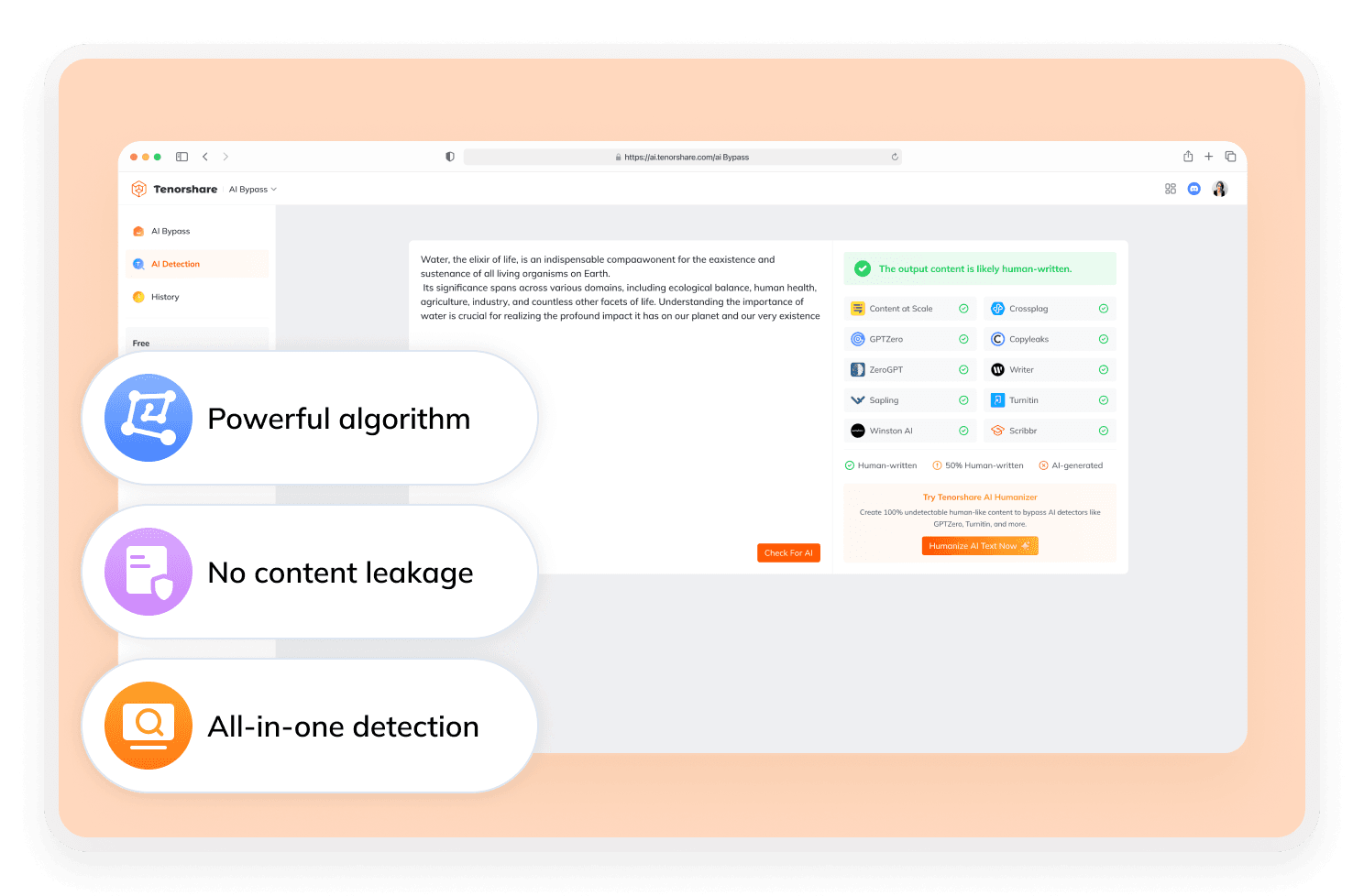
Oreate AI Humanizer is effective at turning robotic AI text into smoother, human-sounding writing. However, it only provides rewritten output and does not show whether the text passes an AI detector. It also lacks a built-in AI scoring tool. For users who need humanization plus confirmed AI-detection results, Tenorshare AI Bypass offers a clearer pass/fail reference.
Discover Free Tools to Take Your Writing Further
Do You Have Questions?
We have answers & Al tool resources for you.
Is Oreate AI Humanizer completely free?
Yes. It’s fully free to use and great for light humanization tasks, though each input is limited to a maximum of 200 words.
Does Oreate AI Humanizer work entirely online?
Yes. It’s browser-based, requires no installation, and lets you rewrite text instantly from any device.
Can Oreate AI Humanizer handle long-form content?
Not ideally. It supports only up to 200 words per input. For longer text, Tenorshare AI Bypass is a better fit.
What are the best alternatives to Oreate AI Humanizer?
Tenorshare AI Bypass is the recommended alternative. It allows input of an unlimited number of characters and provides clear AI-detection results, making it ideal for tasks that require more than basic rewriting.
How can I check AI-detection results after rewriting?
If you need to rewrite your text and confirm whether the final result passes AI detection, it’s recommended to use Tenorshare AI Bypass.
Does Oreate AI Humanizer improve readability?
Yes. It enhances tone and flow, making AI-generated text sound more natural while keeping the original intent clear.
Looking for Oreate AI Humanizer Alternatives?
For better rewriting and AI-detection results, use Tenorshare AI Bypass.
