
Lynote AI Humanizer: AI to Human Text Converter
Rewrite outputs from major AI platforms to make them more readable and human-like.
What Is Lynote AI Humanizer?
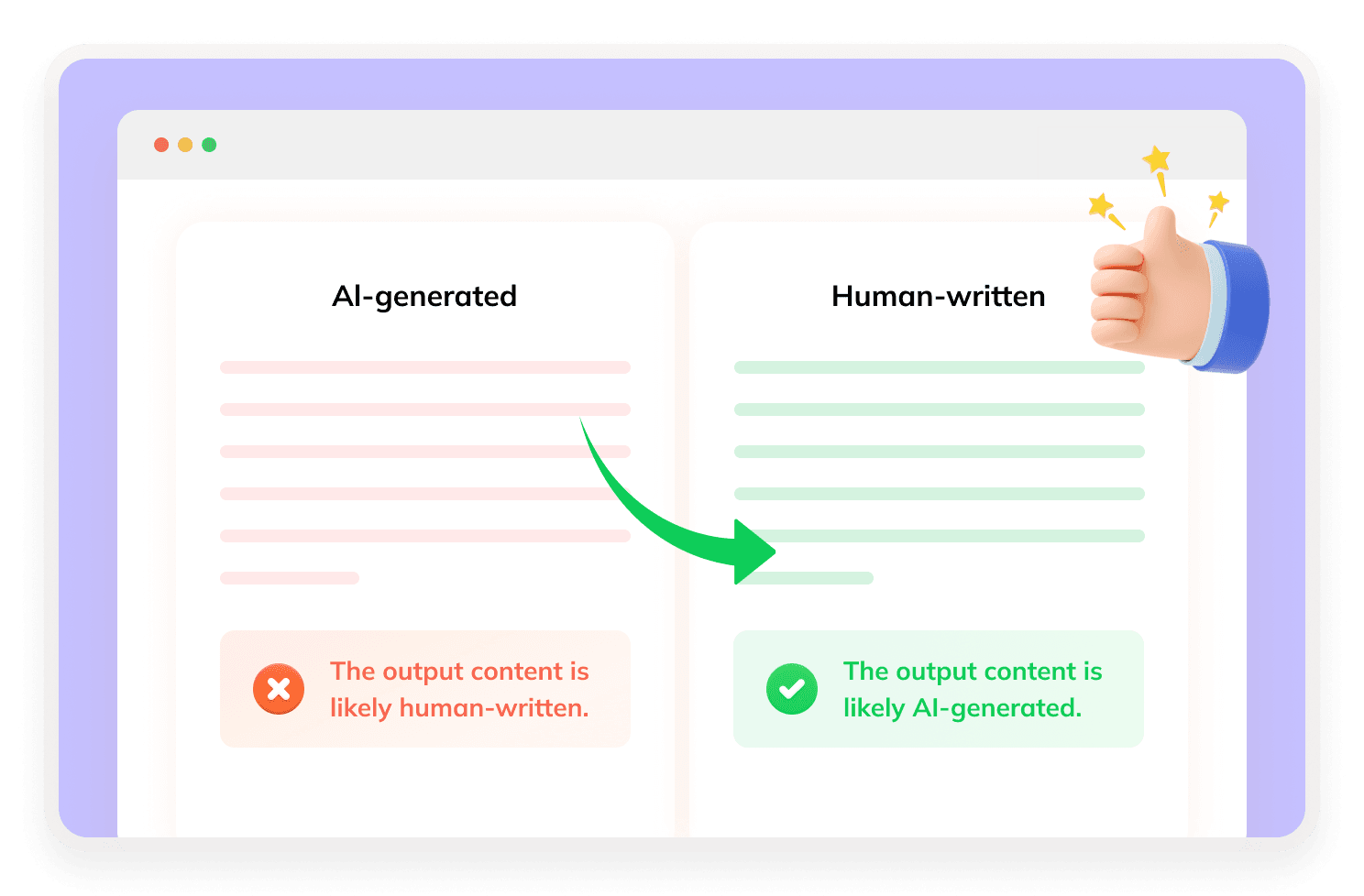
Lynote AI Humanizer is an online AI humanizer that rewrites AI-generated text into more natural, human-like writing. It helps users improve robotic or repetitive AI drafts by adjusting sentence structure, tone, flow, and readability while keeping the original meaning clear.

How Does Lynote AI Humanizer Work?
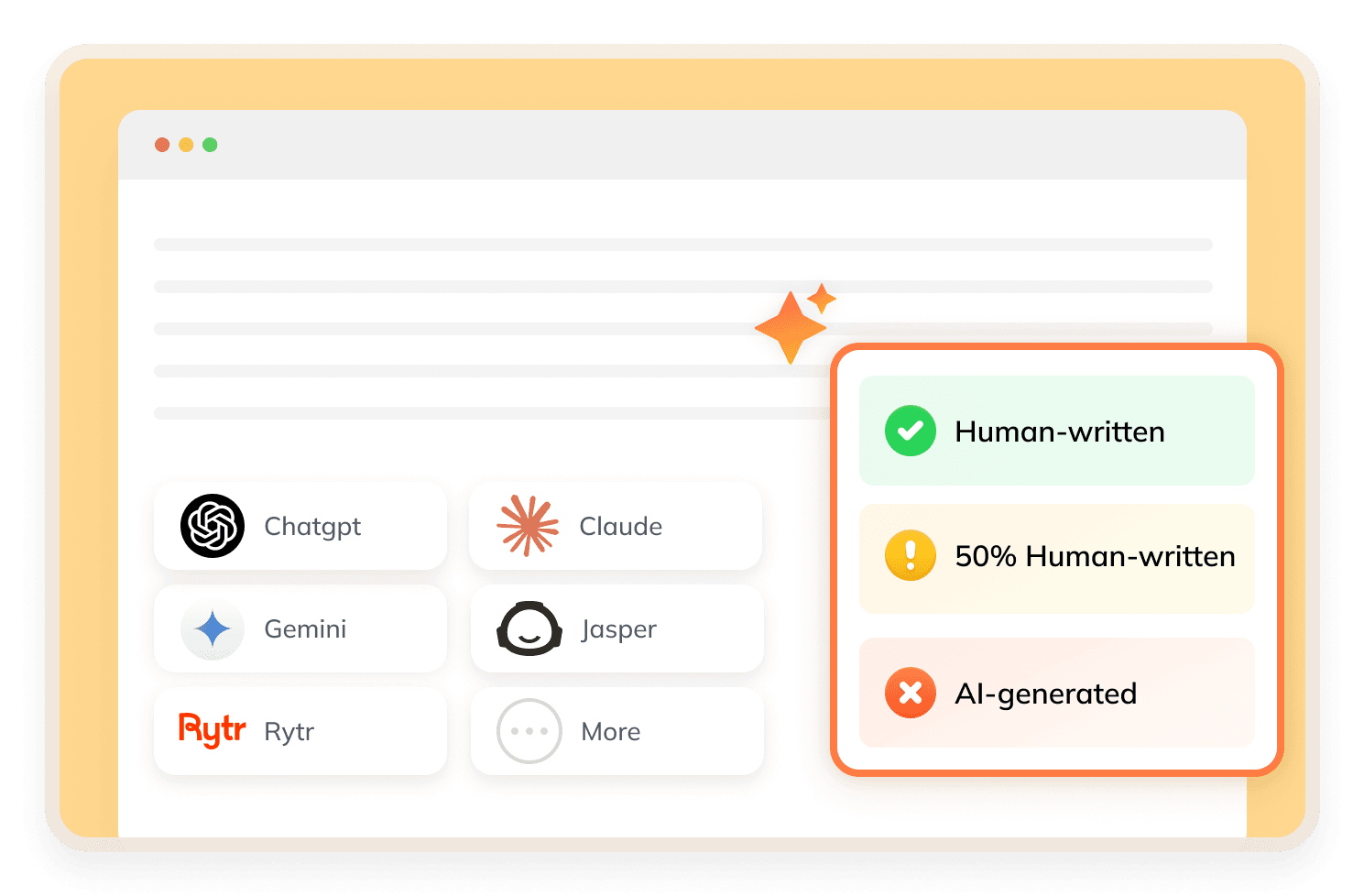
Lynote AI Humanizer lets users paste text or upload a document, choose a rewriting mode, and generate a more human-like version of the draft. The tool highlights context-aware rewriting, meaning it adjusts sentence structure, tone, readability, and flow instead of only replacing words with synonyms.
What Makes Lynote AI Humanizer Stand Out?

Context-Aware AI Rewriting
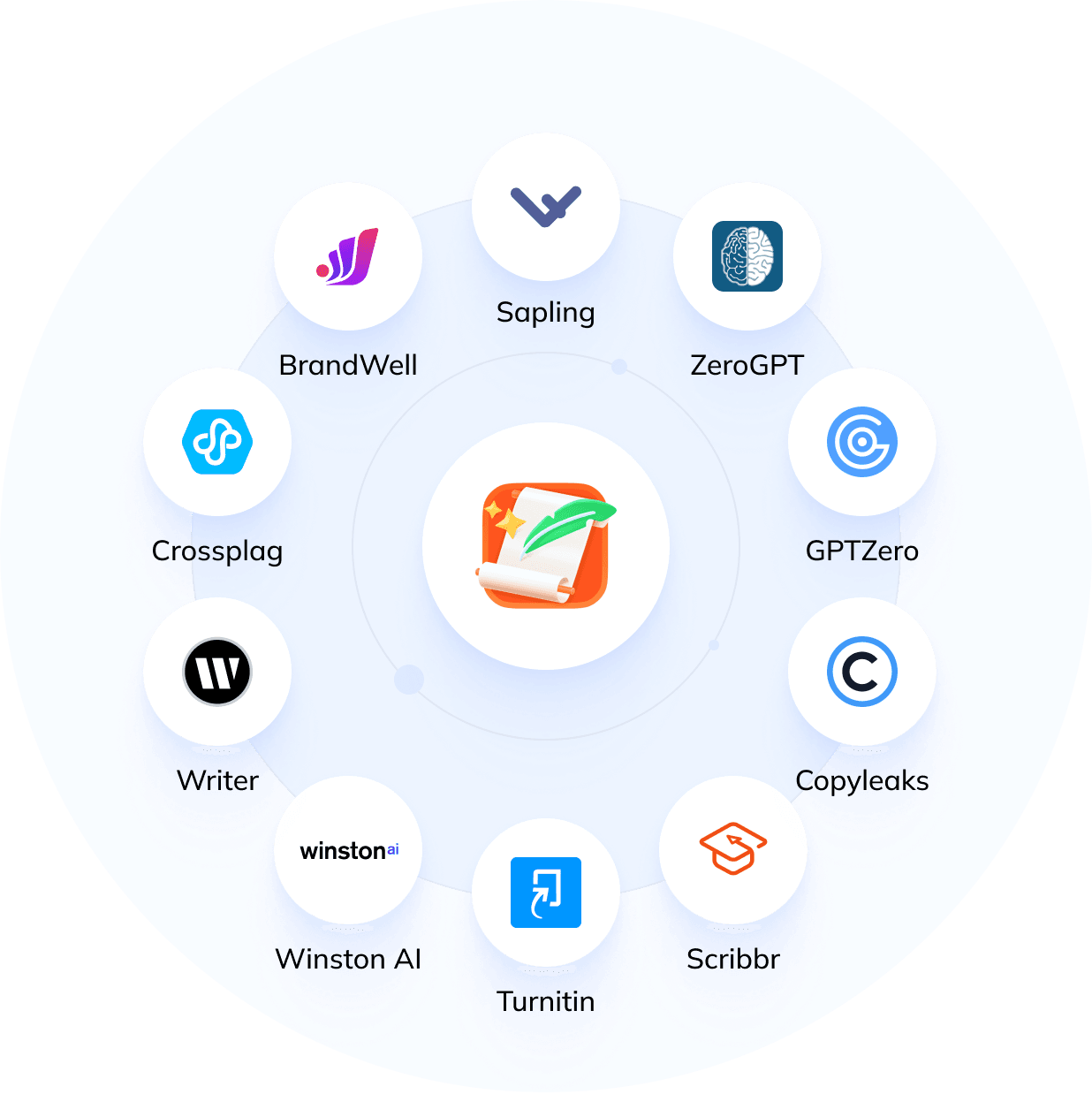
Lynote focuses on understanding the logic and context of the original text, helping the rewritten content sound more natural.
Multiple Rewrite Modes
The tool offers Simple, Standard, and Enhanced modes, allowing users to control how lightly or deeply the text is rewritten.
Multilingual Support
Lynote says its AI Humanizer supports 80+ languages, including English, Deutsch, Chinese and so on.
Part of a Larger AI Toolkit
Beyond AI humanizing, Lynote also promotes tools for Lynote AI detector, Lynote YouTube transcription, AI YouTube summary, and online document translation.
How to Use Lynote AI Humanizer?
Step 1
Paste or Upload Text
Paste AI-generated content into Lynote AI Humanizer, or upload a supported document for rewriting.
Step 2
Click "Humanize"
Select a mode such as Simple, Standard, or Enhanced and click the humanize button.
Step 3
Review Output
Review the rewritten text and its AI detection feedback before copying or downloading the result.
Is Lynote AI Humanizer Good?
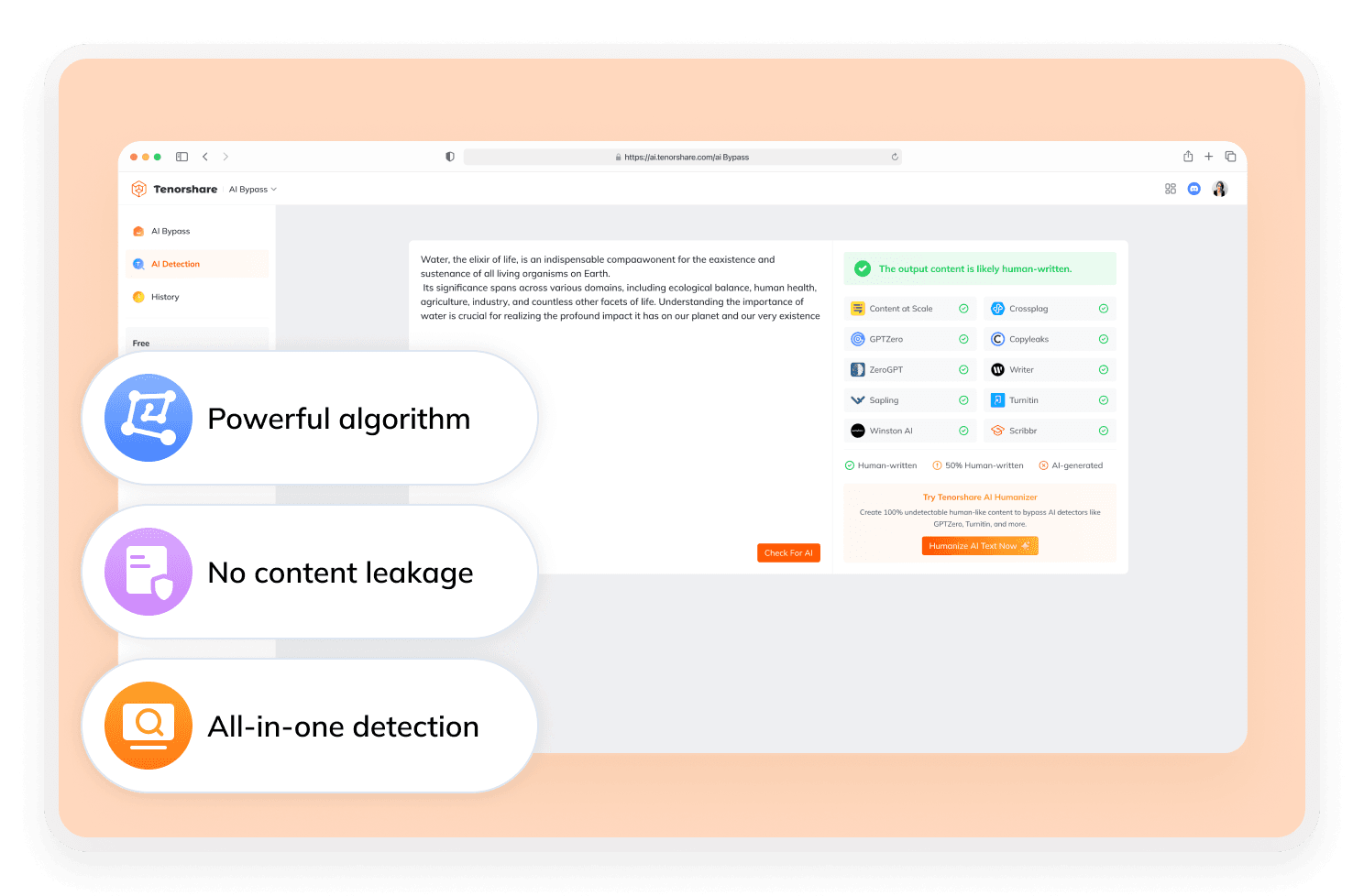
Lynote AI Humanizer is a useful option for users who want a free, no-sign-up AI humanizer with multilingual support, document upload, and basic AI authenticity feedback. However, if you need a more detection-focused workflow with clearer AI score checks after rewriting, Tenorshare AI Bypass may be a better alternative.
Discover Free Tools to Take Your Writing Further
Do You Have Questions?
We have answers & AI tool resources for you.
Is Lynote AI Humanizer free?
Lynote says its AI Humanizer provides free access and basic use without registration. Paid plans may apply for users who need higher limits or faster processing.
Does Lynote have an AI detector?
Yes. Lynote’s homepage lists AI detection as one of its main tools, and its AI Humanizer page also displays authenticity feedback related to several AI detection platforms.
Can I use Lynote for YouTube content?
Yes. Lynote promotes YouTube transcription and video summarization features, so users searching for Lynote YouTube or Lynote AI YouTube may use it to turn video content into text and study notes.
Does Lynote offer online document translation?
Lynote’s tool navigation includes document translation, and its homepage positions Lynote as a broader AI learning assistant for PDFs, articles, videos, and other study materials.
Is Lynote AI Humanizer safe?
Lynote states that input data is processed securely and is not stored or used for model training. Even so, users should avoid uploading highly sensitive personal, legal, or confidential documents to any online AI rewriting tool.
What’s the best alternative to Lynote AI Humanizer?
Tenorshare AI Bypass is a strong alternative for users who want to humanize AI text and check AI detection results in one workflow. While Lynote AI Humanizer focuses on natural rewriting, multilingual support, and broader study tools, Tenorshare AI Bypass is better suited for users looking for a dedicated AI bypass tool.
Need Better Alternatives to Lynote AI Humanizer?
For stable AI content that stays undetectable start using Tenorshare AI Bypass now.
