
SupWriter: AI Text Humanizer for Natural Writing
Humanize AI content with smoother flow and natural wording.
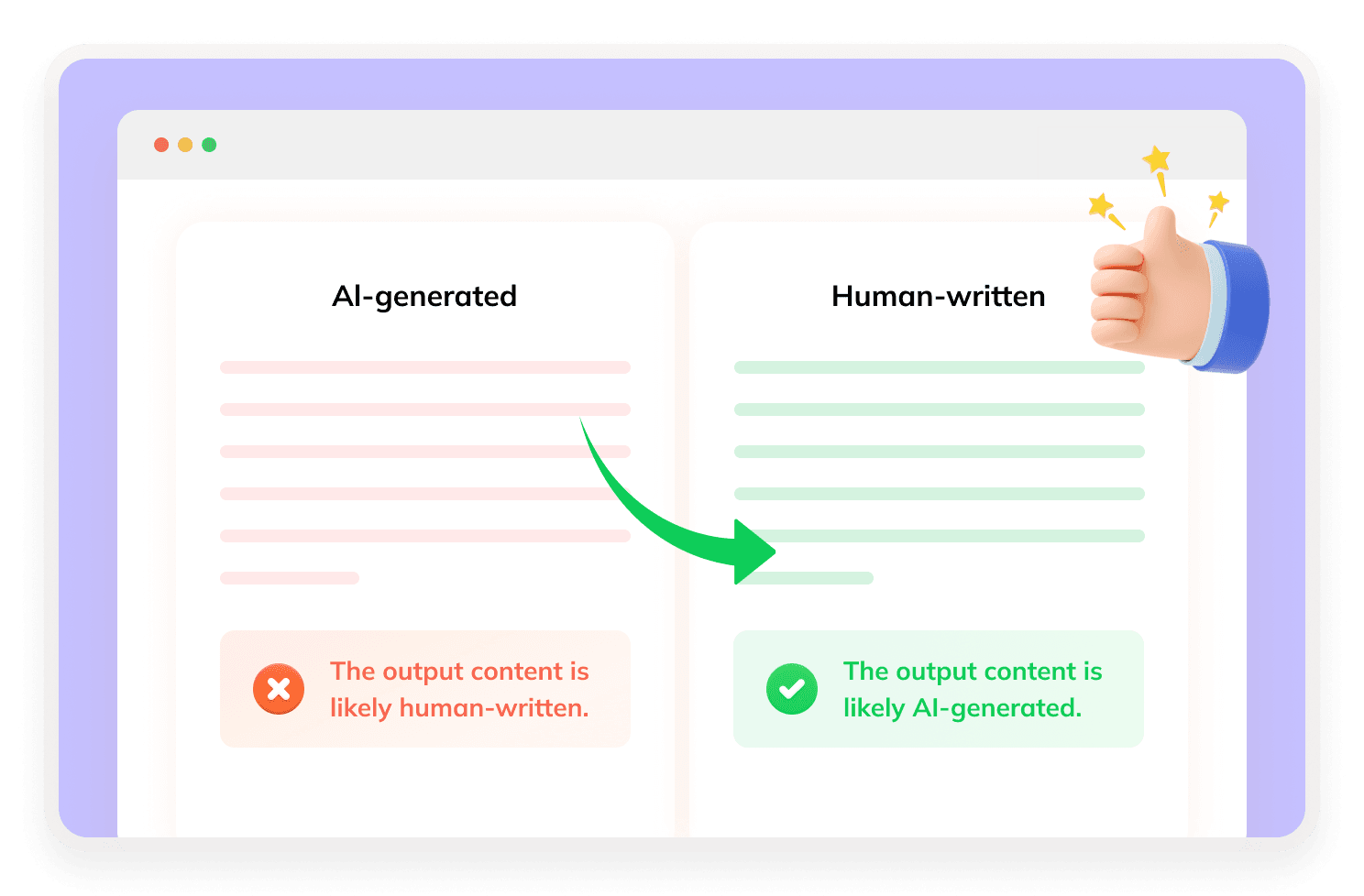
What Is SupWriter AI?
SupWriter is an AI writing tool focused on humanizing AI-generated text. The tool is positioned for students, researchers, content writers, marketers, and other users who want AI drafts to sound less robotic.

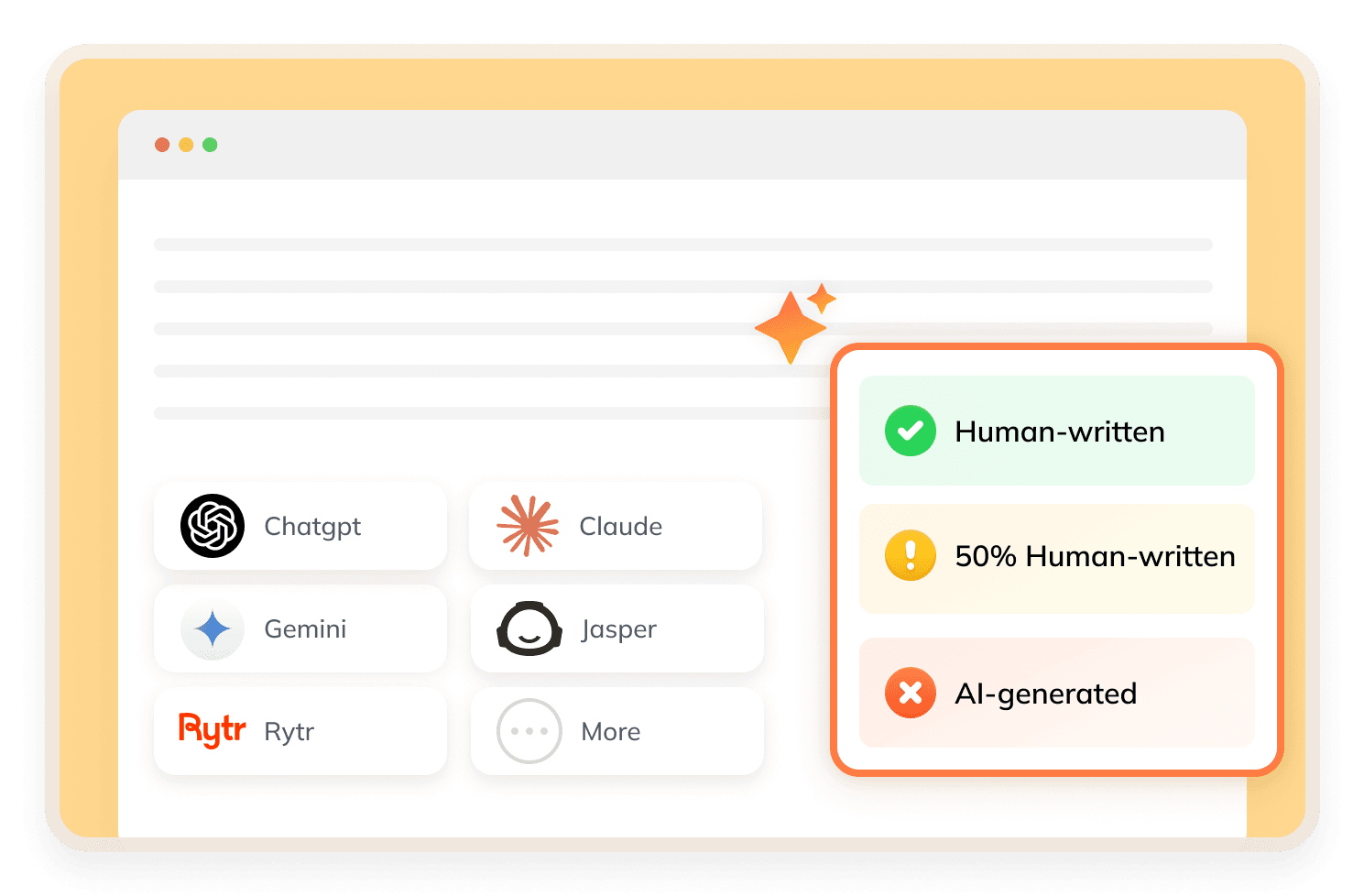
How Does SupWriter Humanize AI Text?
SupWriter AI humanizer analyzes text patterns, tone, sentence structure, and wording that may make content look AI-generated. It then restructures sentences while aiming to preserve the original meaning. The website also highlights options such as improving writing, fixing grammar, shortening, lengthening, and editing selected text.
What Makes SupWriter Humanize AI Text Stand Out?
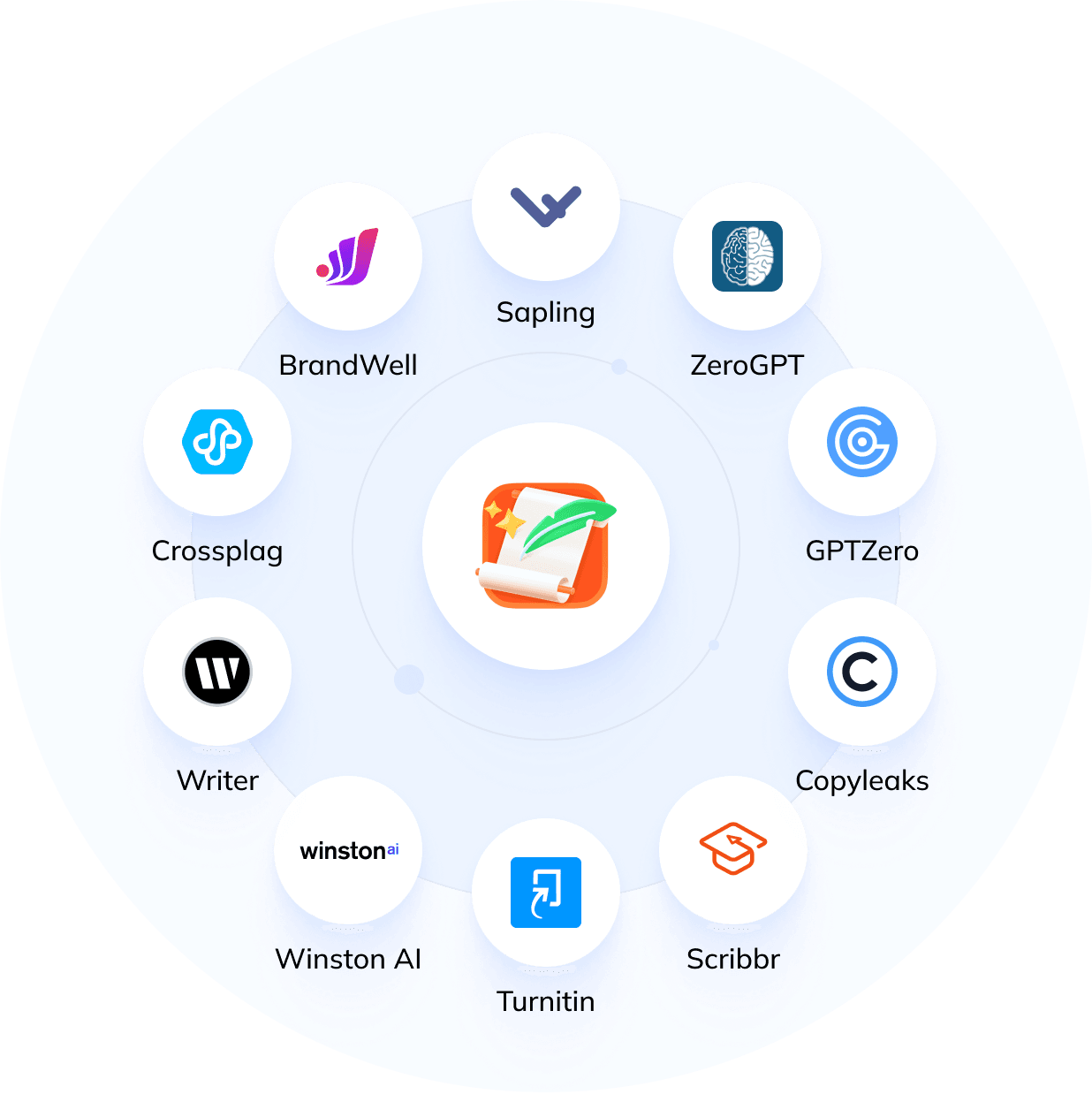

Built-in AI Score Check
SupWriter lets users check how much text may be flagged as AI-written before humanizing it.
PDF Upload Support
Users can paste text directly or upload a PDF on the free humanizer page.
Chrome Extension
SupWriter promotes a Chrome extension for humanizing AI text directly in browsers and across writing platforms.
Multiple Language Support
SupWriter’s pricing page shows language support varies by plan, from 20 languages on Basic to 110+ languages on Ultra.
How to Use SupWriter?
Step 1
Paste or Upload Your Text
Add AI-generated text into SupWriter, or upload a PDF.
Step 2
Humanize the Text
Click the humanize option to rewrite the text into a more natural style.
Step 3
Review Before Use
Check the final version for meaning, accuracy, tone, and readability.
Is SupWriter Good?
SupWriter is flexible and feature-rich, especially for users who need broad language support, multiple rewriting tones, and a more customizable AI humanizer. However, its pricing may not be cost-effective for every user. Even the highest-priced plan still has a 3,000 words per request limit, which may be restrictive for long-form rewriting tasks.
Discover Free Tools to Take Your Writing Further
Do You Have Questions?
We have answers & AI tool resources for you.
Is SupWriter free?
Yes. SupWriter offers free access through its free AI humanizer page, where it says users can get 300 free credits with no credit card required.
Does SupWriter have an AI detector?
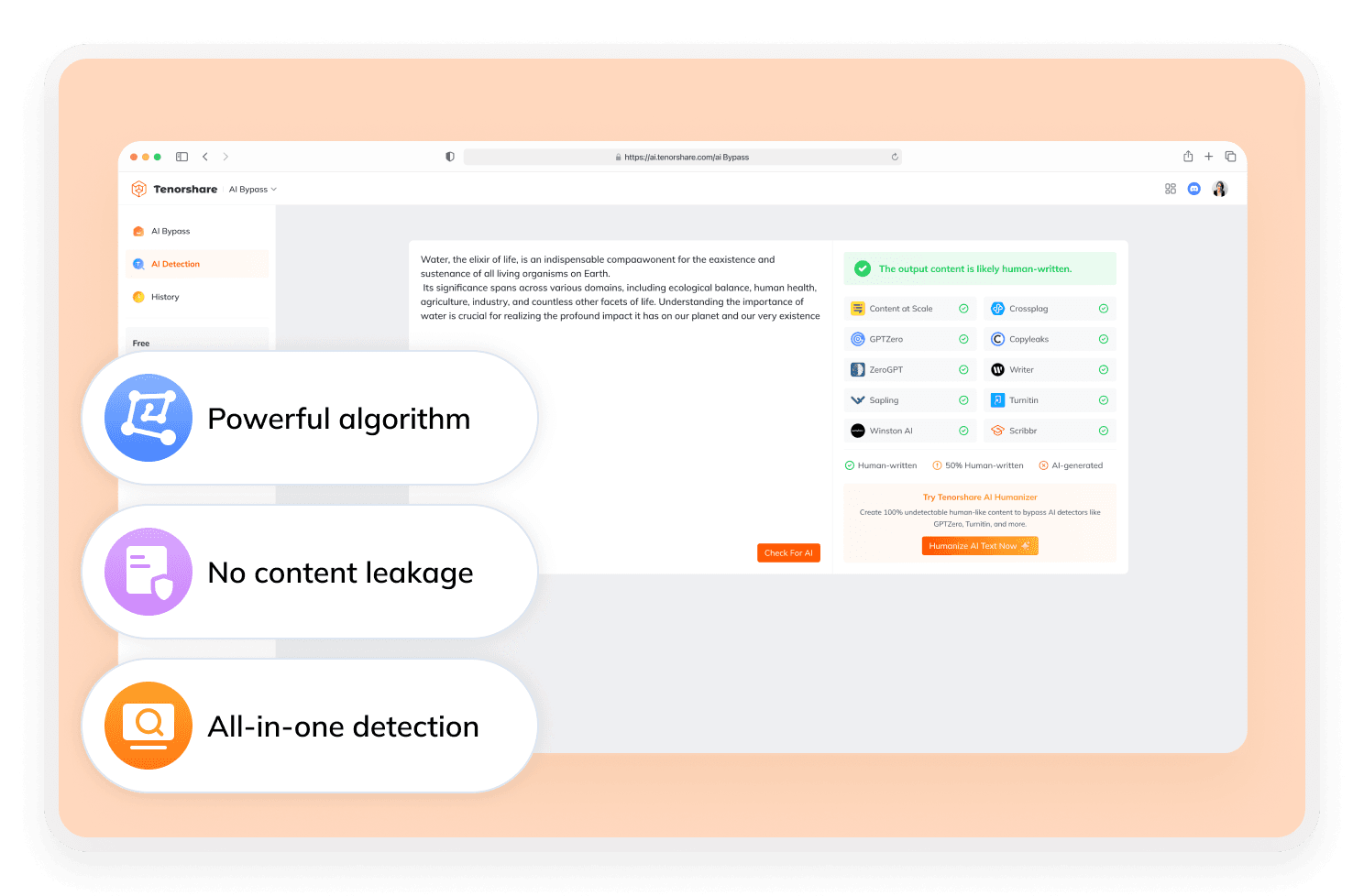
Yes. SupWriter includes an AI detector workflow. Its free humanizer page shows a “Check AI Score” step before humanizing text, and its navigation also lists an AI Detector tool.
Does SupWriter support multiple languages?
Yes. SupWriter lists language support by plan: Basic supports 20 languages, Pro supports 50+ languages, and Ultra supports 110+ languages.
Can SupWriter humanize ChatGPT content?
Yes. SupWriter lists ChatGPT, Claude, Gemini, Copilot, Llama, and other AI text types under its humanize AI text categories, so it is designed to rewrite content generated by major AI writing tools.
Can SupWriter humanize academic writing?
Yes. SupWriter is suitable for academic writing, including essays, reports, and research drafts. Its customizable rewrite settings, multiple writing tones, and support for over 100 languages make it a flexible option for students and researchers.
What is the best SupWriter alternative?
Tenorshare AI Bypass is a strong SupWriter alternative for users who want to humanize AI text and review detection feedback in one simple workflow. Compared with SupWriter, it can be positioned around clearer AI rewriting, easier checking, and a smoother experience for turning AI drafts into natural, readable content.
Seeking Great Alternatives to SupWriter?
Create consistent undetectable AI content — try Tenorshare AI Bypass today.
