
RealTouch AI: Undetectable AI Humanizer
Convert AI content into natural, human-like writing with a high success rate.
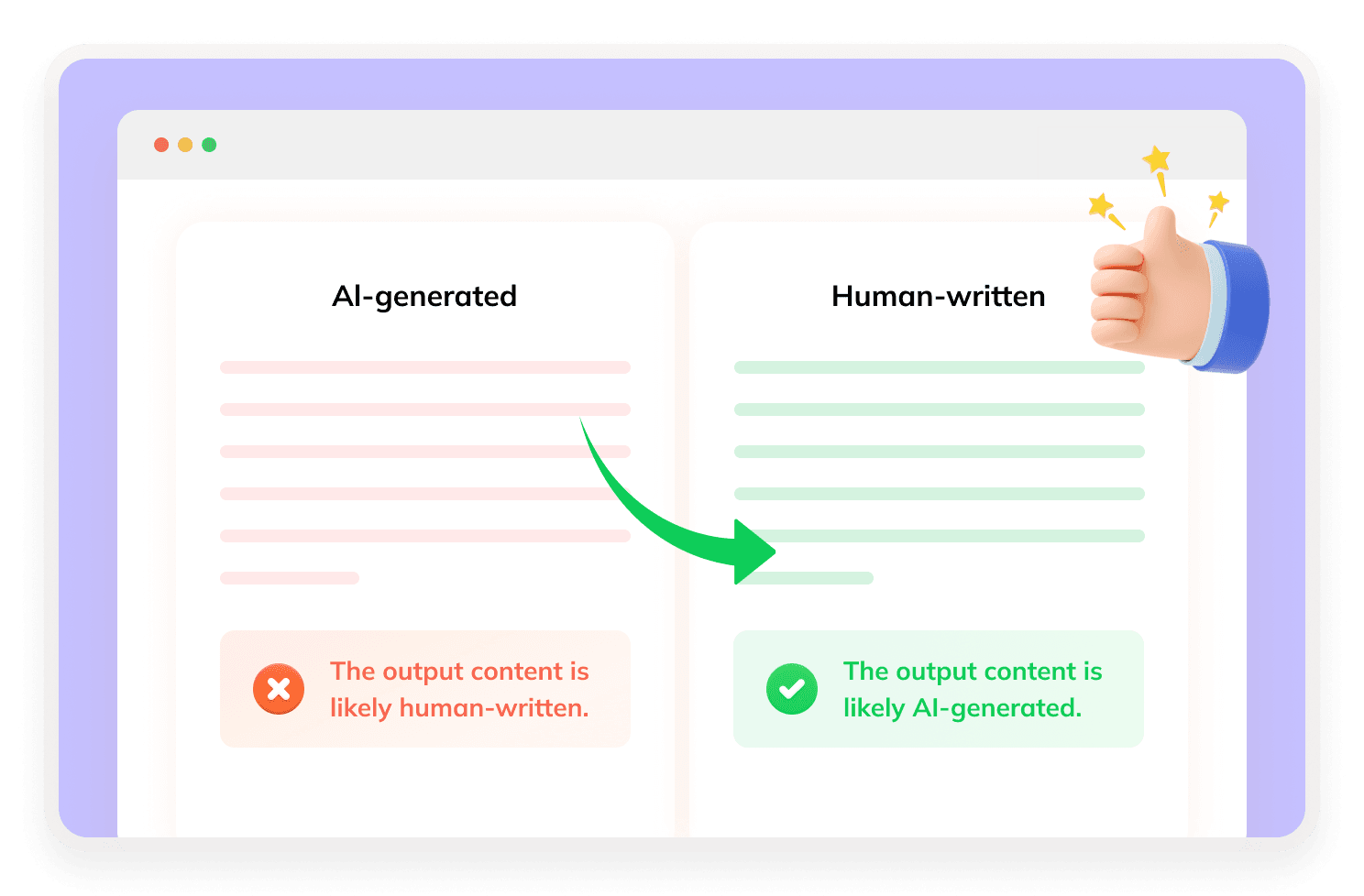
What Is RealTouch AI Humanizer?
RealTouch AI is an AI text humanizer designed to rewrite AI-generated content into more natural, human-like writing. According to its official website, the tool targets text produced by systems such as ChatGPT, Claude, Gemini, and other AI writing tools, and it positions itself around reducing AI-detection signals while preserving the original meaning.

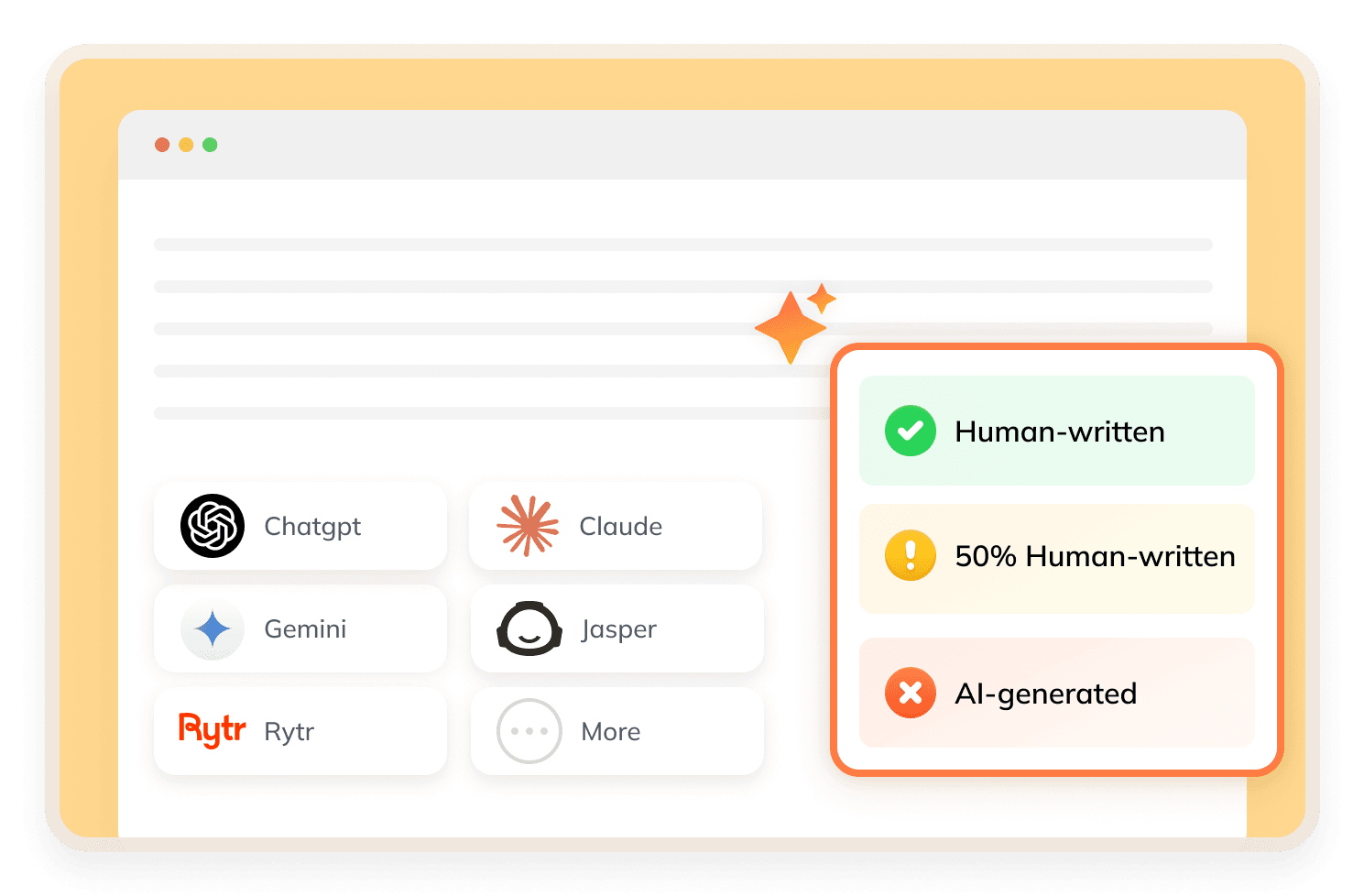
How Does RealTouch AI Work?
RealTouch AI restructures sentences and polishes wording to rephrase AI content naturally while preserving original meaning and readability. It avoids rigid synonym replacement to make writing less repetitive and predictable. There's also a RealTouch AI Detector for users to check their rewritten results.
What Makes RealTouch AI Stand Out?
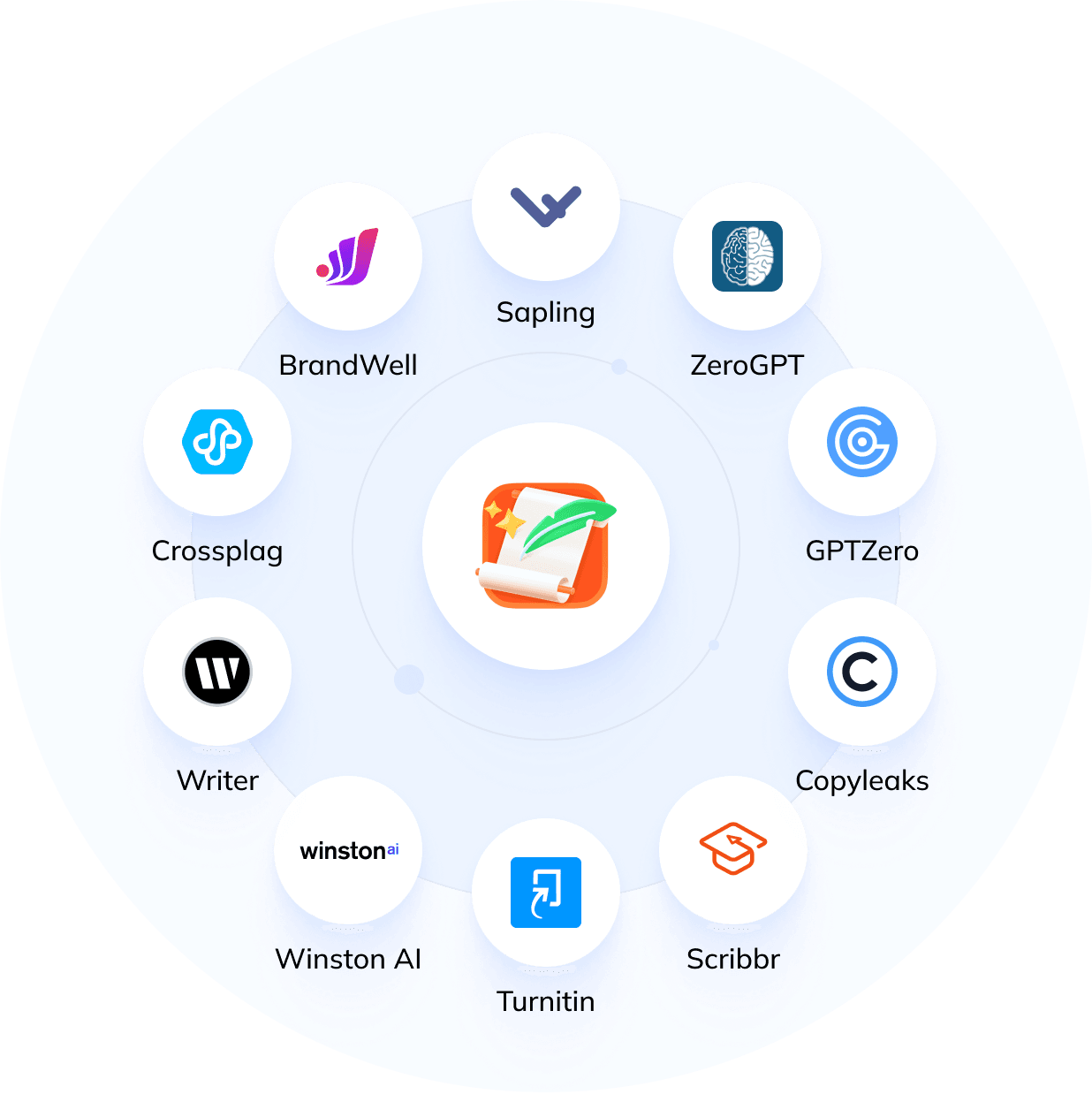

Detection-Focused Positioning
It focuses on making AI-generated text sound more human and less likely to be flagged by AI detectors.
3 Humanization Modes
It offers Standard, Advanced, and Stealth modes for different rewriting needs.
Meaning Preservation
RealTouch AI claims to keep the original meaning while making the text sound more natural.
Simple Workflow
The tool features a streamlined three-step humanization workflow.
Broader Writing Toolset
Besides the AI Humanizer, it also lists tools such as an essay generator, homework solver, and PDF chat.
How to Use RealTouch AI?
Step 1
Insert Your Text
Copy your AI-generated content and paste it into the secure online editor.
Step 2
Press “Humanize Now”
Choose a humanization mode according to your needs, then click the Humanize Now button.
Step 3
Receive Optimized Content
Get naturally humanized text that can easily pass all mainstream AI detection checks.
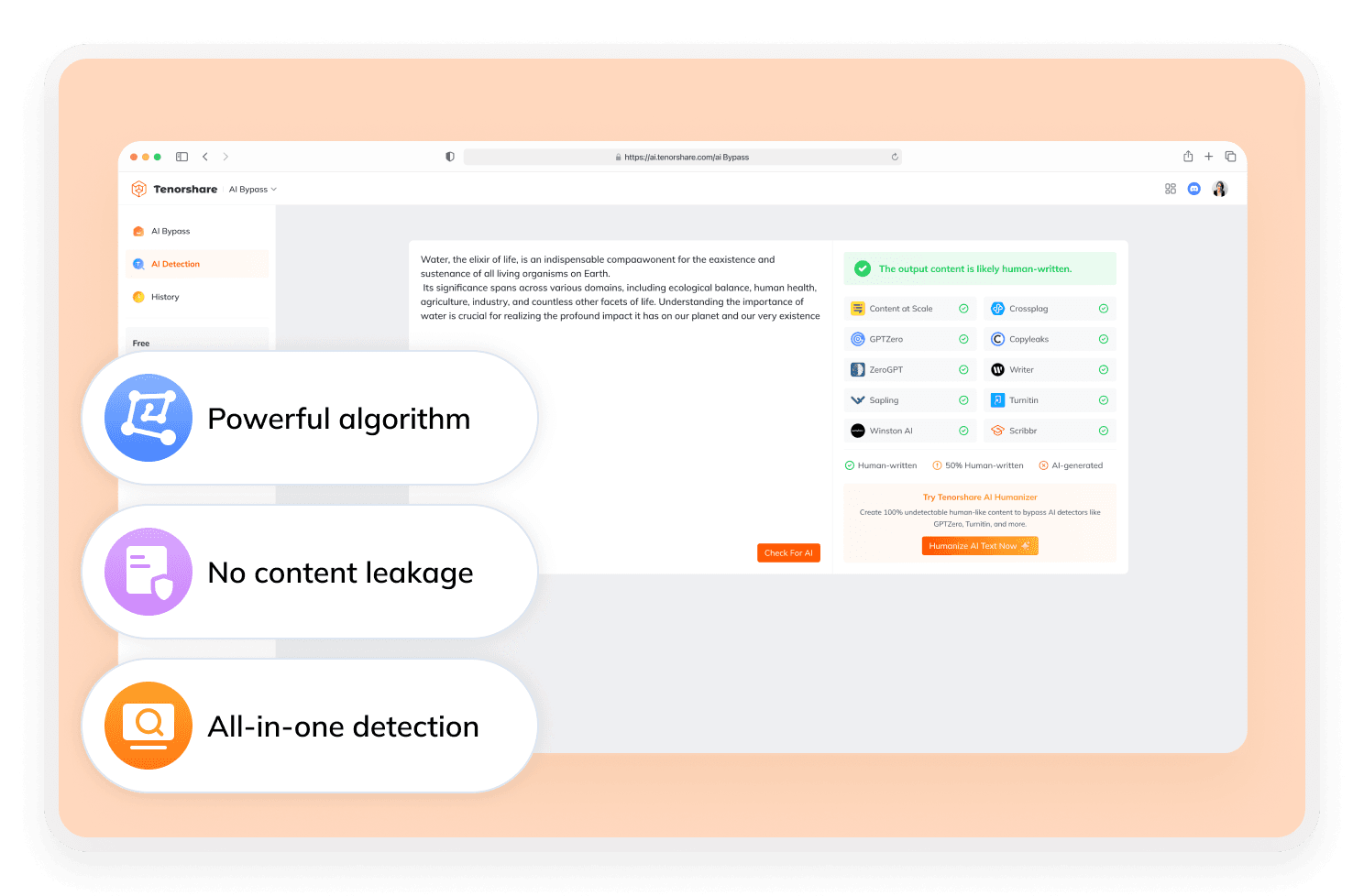
Does RealTouch AI Actually Bypass AI Detection?
RealTouch AI can make AI text more natural, but it cannot guarantee passing all AI detectors. According to third-party RealTouch AI Humanizer reviews, the tool performs well against GPTZero and Originality.ai. But it shows unstable results with Turnitin, especially after the 2025 updates and on long academic papers.
Discover Free Tools to Take Your Writing Further
Do You Have Questions?
We have answers & AI tool resources for you.
Is RealTouch AI Free?
RealTouch AI has a free plan with restricted usage and basic features. Free users face word limits, limited detection checks and standard humanization quality, while full functionality and advanced capabilities are only available on paid subscriptions.
Does RealTouch AI Bypass Turnitin?
RealTouch AI claims that its humanizer can help reduce AI-detection flags from tools such as Turnitin. However, this should be understood as an official product claim rather than a guaranteed result.
Does RealTouch AI Provide Customer Support?
RealTouch AI offers a credit compensation policy for unsuccessful humanization. If rewritten content is flagged by mainstream AI detectors, users can get refunded credits plus extra bonus credits. It also provides round-the-clock 24/7 customer support for user inquiries.
Can RealTouch AI Help with SEO Content?
RealTouch AI claims that its humanizer can make AI-generated content more natural, readable, and aligned with Google-friendly writing standards. However, better rankings still depend on content quality, search intent, authority, and overall SEO strategy.
Is There a Word Limit on RealTouch AI?
Yes. RealTouch AI has usage limits, especially on the free plan. Free users can humanize up to 600 words per day, with each request limited to 300 words. The free subscription also provides a total allowance of 15,000 characters.
What’s the Top Alternative to RealTouch AI?
RealTouch AI cannot guarantee full AI detection bypass, so cross-checking results is necessary. Tenorshare AI Bypass addresses this by offering a built-in multi-detector tool to conveniently verify and polish rewritten content.
Looking For RealTouch AI Alternatives?
Get polished rephrasing and undetectable content with Tenorshare AI Bypass.
