
Online Synthetic Division Calculator: Solve Polynomial Division Step By Step
Check Coefficients, Identify Factors, and Learn With Clear Algebra Guidance.


What Is Synthetic Division?
Synthetic division is a shortcut for dividing a polynomial by a linear divisor. It replaces repeated variable notation with a compact calculation using the polynomial’s coefficients, making many polynomial-division problems faster to organize.
It is commonly used in algebra to find a quotient and remainder, test possible roots, and check whether a linear expression is a factor of a polynomial.

What Does Synthetic Division Tell You About A Polynomial?

The Quotient
The bottom coefficients form the resulting polynomial.
The Remainder
The last number is the remainder. Zero means the divisor is a factor.
Possible Root
A zero remainder tells you c is a root of the polynomial.
Factor Relationships
It checks if a linear expression is a factor, skipping long division.

How Does Synthetic Division Work?
Synthetic division uses the coefficients of a polynomial instead of rewriting each variable term. The value connected to the linear divisor is placed outside the setup, then each coefficient is brought down, multiplied, and added in sequence.
This repeated pattern produces the quotient coefficients and final remainder. It follows the same algebraic logic as polynomial long division, but presents the calculation in a shorter format.
How To Do Synthetic Division?

Arrange The Polynomial
Order terms by descending exponents and fill missing powers with zero coefficients.
Set Up The Divisor Value
Rewrite the linear divisor and place its corresponding value on the left.
Complete The Coefficient Pattern
Bring down the leading coefficient, then repeat multiply and add for all coefficients.
Read The Result
All values except the last form the quotient; the last number is the remainder.

How Does This Synthetic Division Calculator Work?
This synthetic division calculator organizes your polynomial and linear divisor into the correct coefficient-based process. It helps you review the quotient, remainder, and calculation steps without losing track of negative signs or missing terms.
Rather than showing only the result, Tenorshare AI Math supports a clearer view of how each multiplication and addition contributes to the final answer.
Why Use This Calculator for Synthetic Division?

Flexible Problem Input
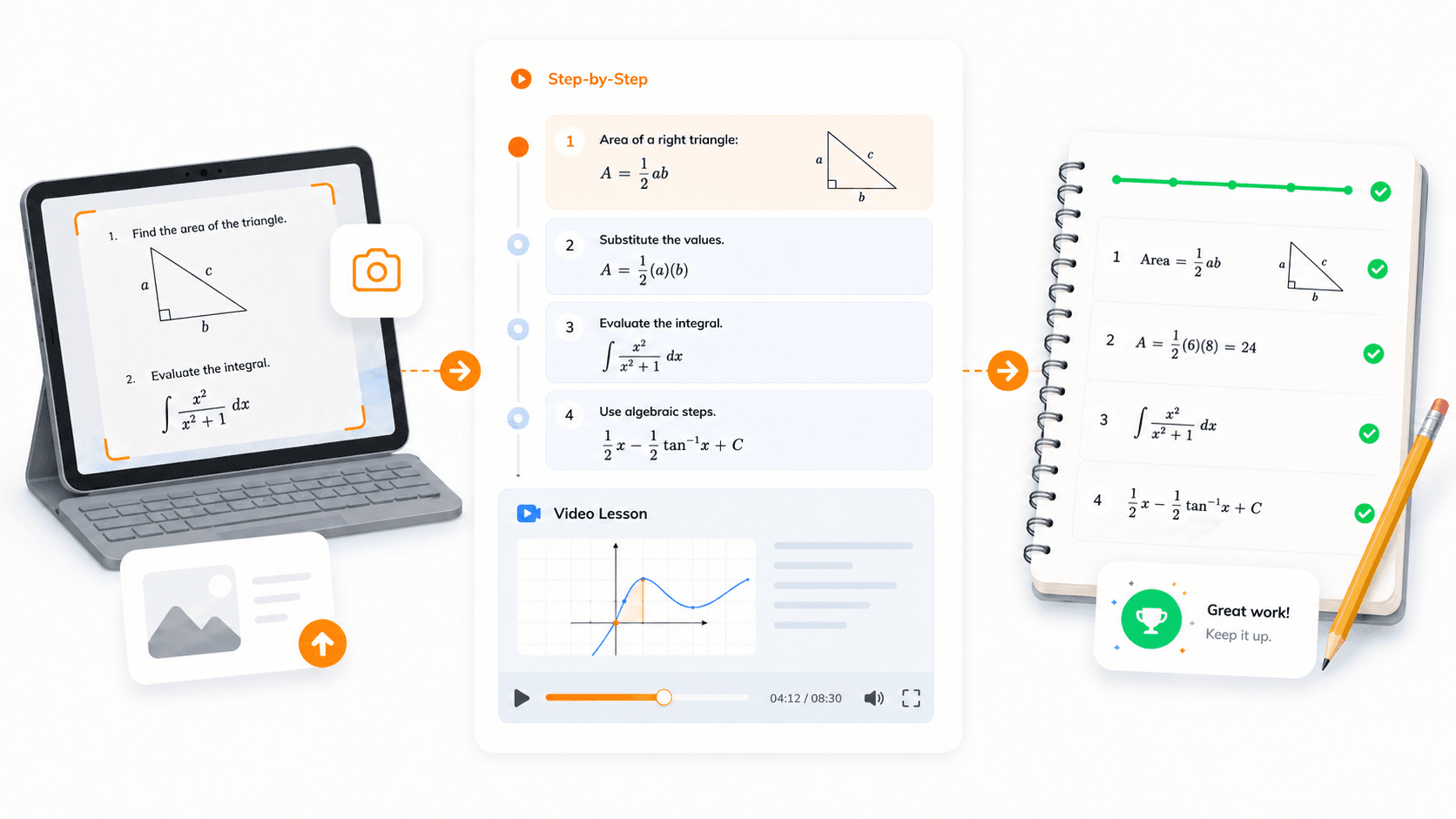
Supports typed expressions, JPG, PNG, WEBP images, and PDF questions.
Clear Step-By-Step Explanations
Breaks synthetic division into clear solutions, making signs and missing terms easier to recognize.
Extended Learning Support
Provides video explanations and similar practice problems for continued algebra learning.
Structured Polynomial Layout
Organizes the divisor, coefficients, quotient, and remainder in one clear calculation flow.
How To Use The Algebra Synthetic Division Calculator
Step 1
Enter Or Upload Your Problem
Add a polynomial question, image, or PDF.
Step 2
Get A Step-By-Step Explanation
See the setup, coefficient steps, quotient, and remainder.
Step 3
Strengthen Your Understanding
Watch video explanations or try related practice problems.

Is This Polynomial Synthetic Division Calculator Good?
Synthetic division can feel like a memorized sequence until you understand how the coefficients, quotient, remainder, and factors are connected. A calculator with steps helps you check the setup and review the logic behind each operation.
Tenorshare AI Math supports learning beyond a final answer with readable solution steps, video explanations, and related practice problems. This makes it useful for reviewing homework, preparing for algebra tests, and improving polynomial skills.
Discover Free Tools to Take Your Math Learning Further
Do You Have Questions?
We have answers & AI tool resources for you.
Will Synthetic Division Always Work?
No. Synthetic division is a shortcut for a specific type of polynomial division. It works reliably with an appropriate linear divisor, but polynomial long division is needed for broader division problems.
When Can You Use Synthetic Division?
Use synthetic division when a polynomial is divided by a linear expression that can be written as x - c. It is especially helpful for quickly finding a remainder, checking a possible root, or testing a possible factor.
When Can You Not Use Synthetic Division?
Do not use standard synthetic division when the divisor is quadratic, has a higher degree, or is not a polynomial expression. In these cases, polynomial long division is the more suitable method.
How to Do Synthetic Division With Polynomials?
Use the coefficients of the polynomial rather than the full variable terms. Bring down the first coefficient, multiply by the outside value, add to the next coefficient, and repeat until you reach the remainder.
Can You Do Synthetic Division On A Calculator?
Some calculators can handle polynomial operations, but they may not show the learning process. An algebra synthetic division calculator such as Tenorshare AI Math can provide step-by-step support, so you can review the setup, quotient, and remainder.
How Do You Divide Polynomials Using Synthetic Division?
Write the polynomial in descending order and include zero coefficients for any missing terms. Set up the divisor’s related value with the coefficients, then repeat the bring-down, multiply, and add pattern. The final row gives the quotient coefficients, with the last value representing the remainder.
Divide Polynomials And Learn The Logic Behind
Grow your math proficiency through clear, step‑by‑step solutions from Tenorshare AI Math.
