
Geek Write: Bypass all AI detectors
Rewrite AI-generated content into human-like writing and check detection results with ease.
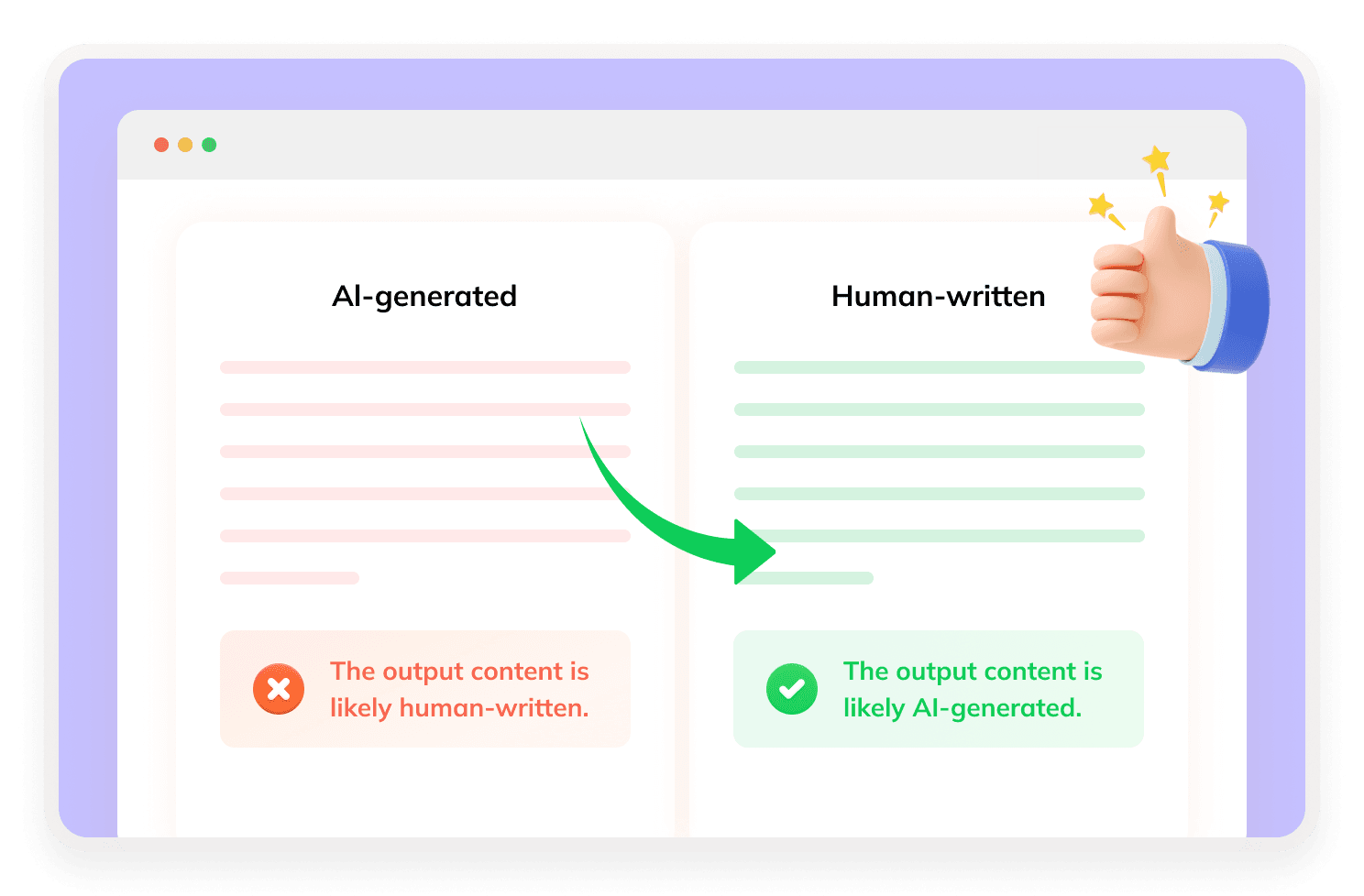
What Is Geek Write?
Geek Write is an AI text humanizer designed to transform AI-generated content into more natural, human-like writing. Beyond rewriting, Geek Write also includes an AI detector and a citation generator, making it useful for users who want to polish AI-assisted writing, review detection signals, and organize academic or content sources in one workflow.

How Does Geek Write AI Work?
Geek Write works by rewriting AI-generated text through sentence restructuring, tone refinement, and wording optimization. After humanizing the text, Geek Write can also check the revised content with its built-in AI detector. This helps users review whether the rewritten version still contains obvious AI-writing patterns before using it.
What Makes Geek Write Stand Out?

Built-In AI Detector
Geek Write displays pass results from four detectors: ZeroGPT, QuillBot, Humanize AI, and Grammarly.
Built for Popular AI Writing Tools
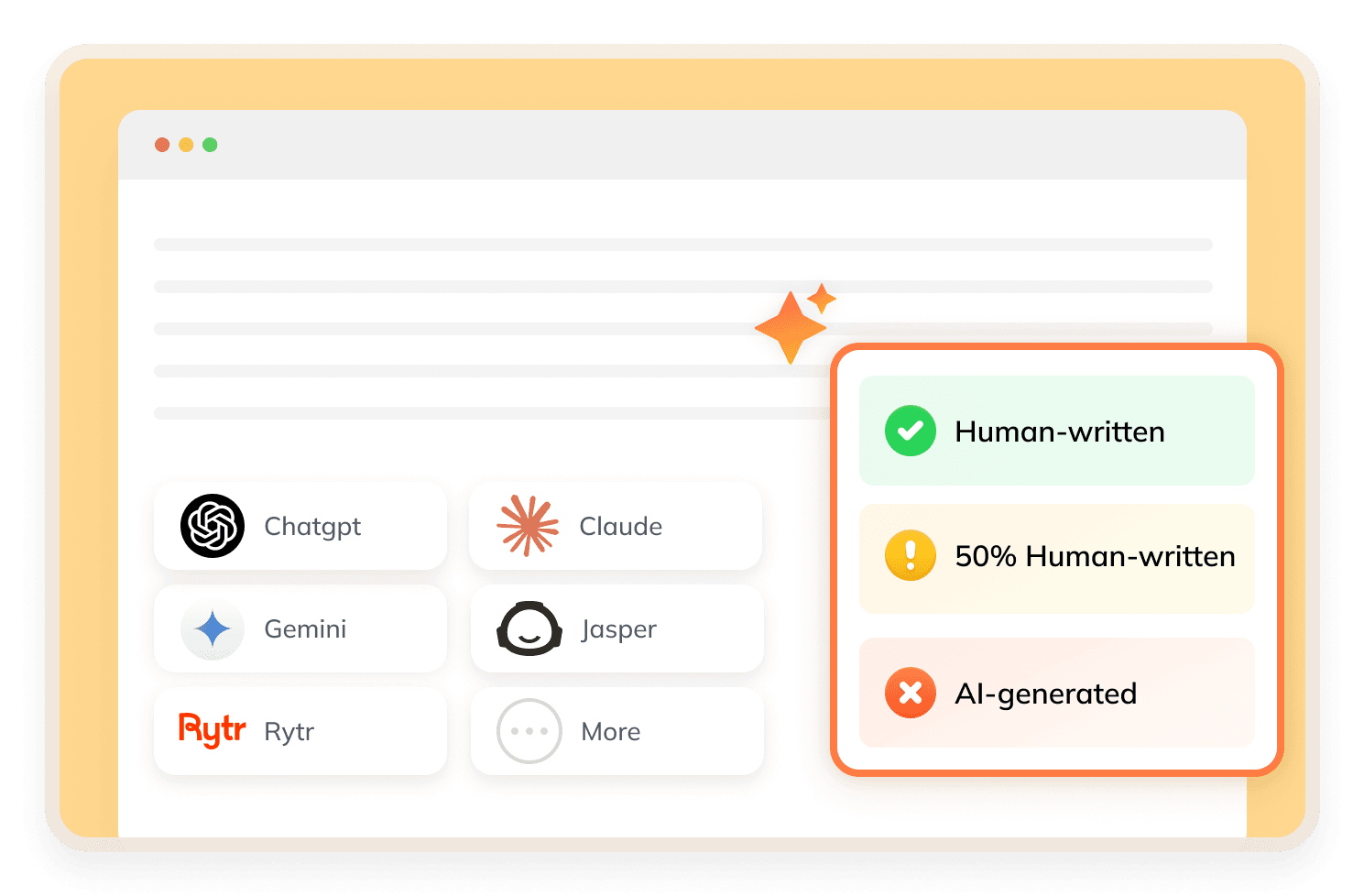
Geek Write works with text from ChatGPT, Claude, Gemini, and other AI writing tools.
Citation Generator Support
Geek Write can help generate citations in formats like APA, MLA, and Chicago, which is useful for essays and research papers.
100+ Language Support
Geek Write supports over 100 languages, making it useful for global users and multilingual writing tasks.
How to Use Geek Write?
Step 1
Paste AI Text
Drop in your AI-generated essay, article, blog, or email.
Step 2
Humanize Content
Let Geek Write rewrite the text into a more natural, human-like version.
Step 3
Check the Detector Results
Review the four detector results and refine the content if needed.
Is Geek Write Good?
Geek Write helps humanize AI text and check detection results fast. It offers 4-detector verification, citation generation, and support for over 100 languages, ideal for students, writers, marketers, and creators. However, Geek Write cannot guarantee a perfect pass on all AI detectors, as results vary with text length, topic, style, language, and detector updates.
Discover Free Tools to Take Your Writing Further
Do You Have Questions?
We have answers & AI tool resources for you.
Is Geek Write free?
Geek Write offers a free trial. Public product information shows that users can humanize up to 250 words before upgrading to a paid plan.
Does Geek Write support multiple languages?
Yes. Geek Write supports over 100 languages, including English, Spanish, French, Chinese, Arabic, Hindi, German, Portuguese, Korean, Japanese, and more.
Can Geek Write generate citations?
Yes. Geek Write includes a citation generator for APA, MLA, and Chicago styles, which can help with essays, assignments, and research papers.
Can Geek Write help with academic writing?
Geek Write can help students make AI-assisted drafts sound more natural and create citations. Users should still follow their school’s academic integrity rules.
Does Geek Write work with ChatGPT content?
Yes. Geek Write works with ChatGPT content, as well as text generated by Claude, Gemini, and other AI writing tools.
What’s the best alternative to Geek Write?
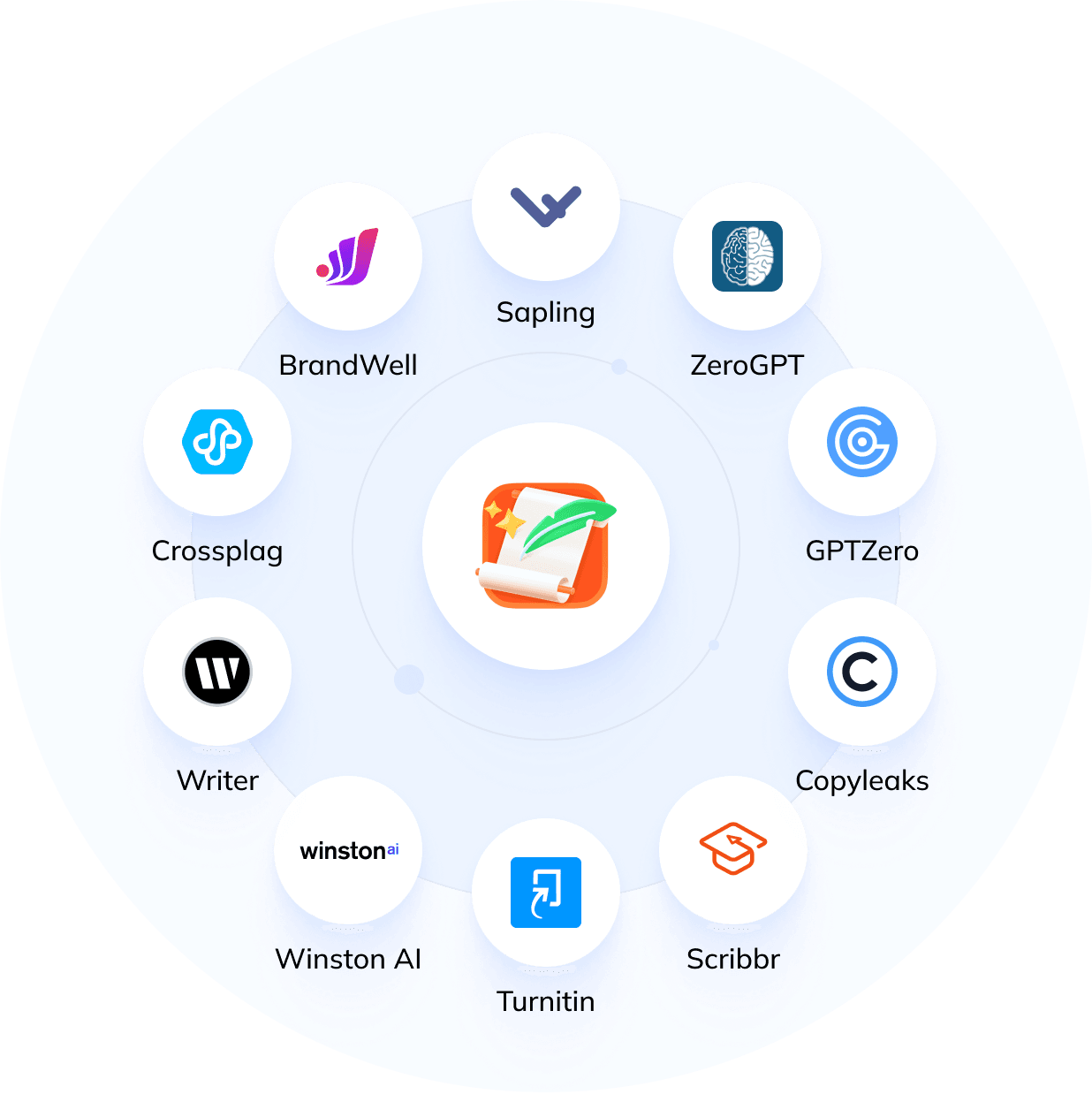
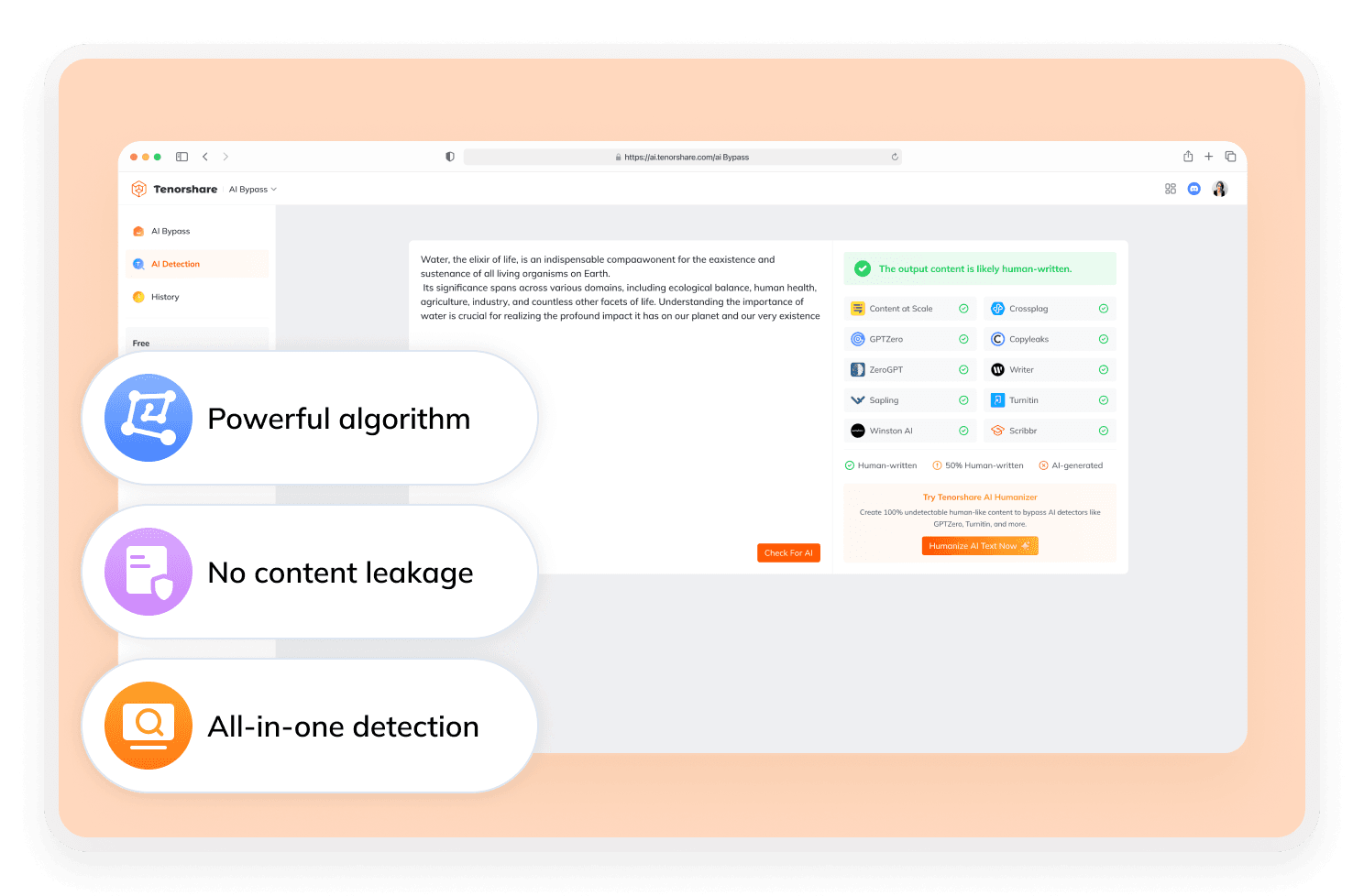
Tenorshare AI Bypass is a strong alternative for users who want broader detector coverage. Geek Write shows results from four detectors, while Tenorshare AI Bypass can show bypass results from 10 AI detectors, giving users a wider view of how their rewritten text performs.
Need Better Alternatives to Geek Write?
Get steady, undetectable AI content with Tenorshare AI Bypass.
