
Ladybug AI: AI Humanizer for Students and Writers
Rewrite AI-generated text into clearer, more natural writing with flexible humanize levels.
What Is Ladybug AI?
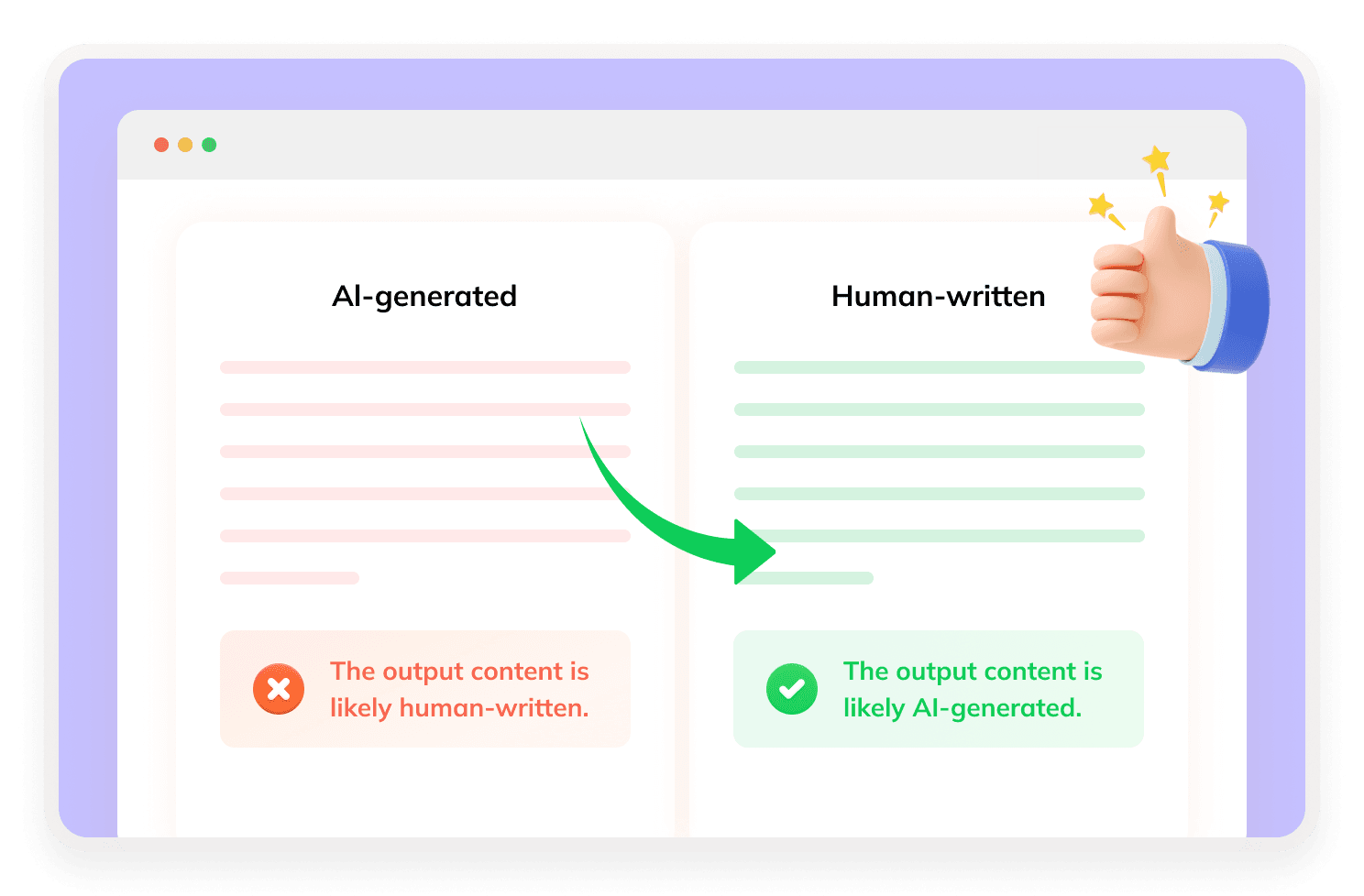
Ladybug AI is an AI humanizer built to make AI-generated drafts sound more natural and human-like. It is designed for students, writers, and users who want clearer, less robotic text.The tool supports humanizing, paraphrasing, and citation-related workflows, making it useful for essays, school papers, blog posts, emails, and everyday writing tasks.

How Does Ladybug AI Humanizer Work?
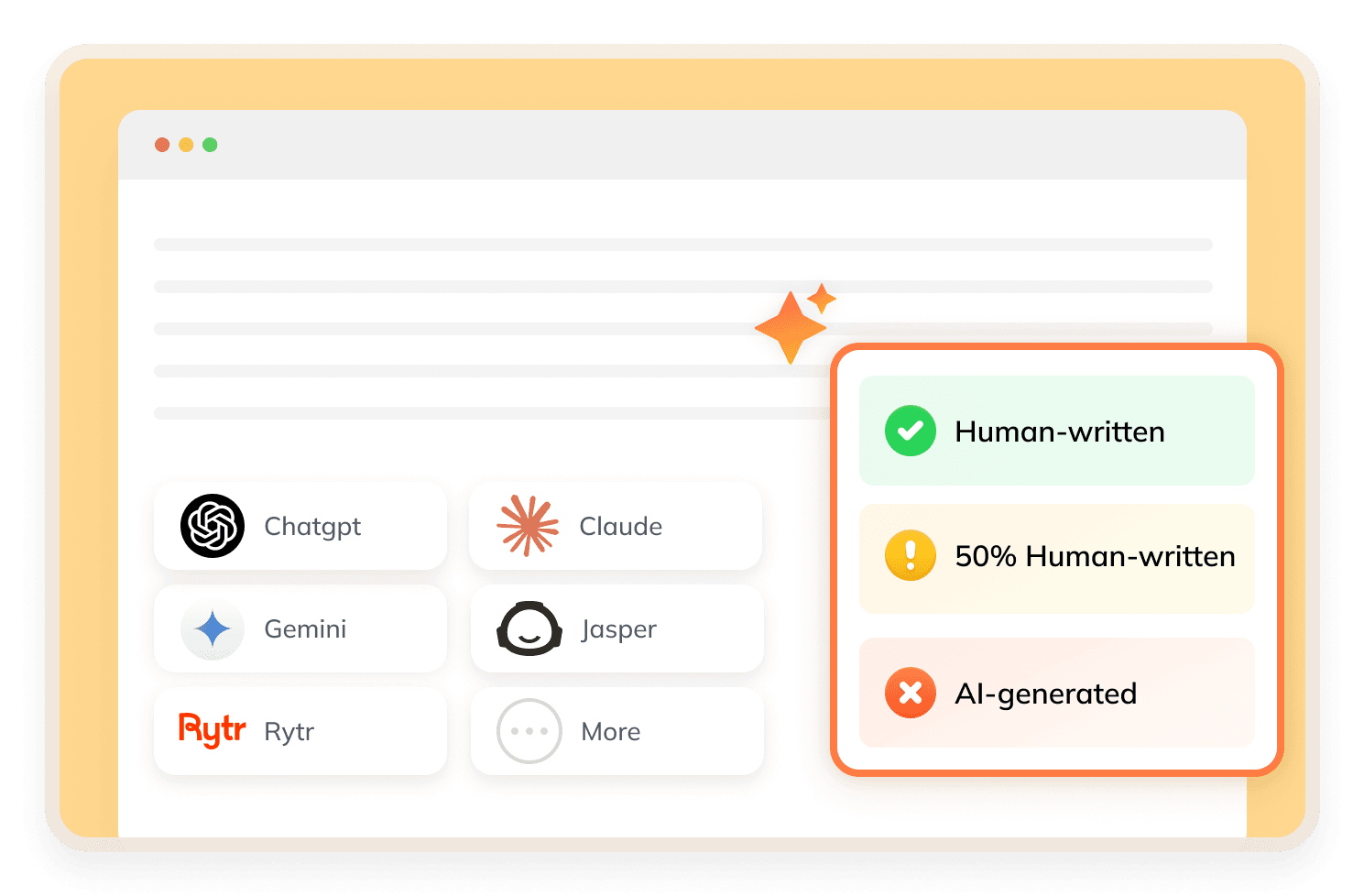
Ladybug AI rewrites AI text by optimizing its wording, sentence flow, tone and readability. Users can select one of the three humanization levels including Basic, Advanced and Academic, and choose a style priority like Balanced or Stealth. After rewriting, it provides detection results for detectors, as well as the AI-generated content percentage.
What Makes Ladybug AI Stand Out?

Three Humanize Levels
Ladybug AI gives users control over rewriting with Basic, Advanced, and Academic (Turnitin) levels.
Turnitin-Focused Academic Mode
The Academic (Turnitin) level is useful for users who want writing that feels more suitable for academic-style review.
Priority Options
Users can choose between Balanced and Stealth priority options. This adds more flexibility when deciding how the rewrite should be handled.
Paraphraser and Citation Tools
Ladybug AI also includes paraphrasing and citation tools, which can help with school and writing workflows.
How to Use Ladybug AI?
Step 1
Insert Your AI Text
Paste any AI-generated writing draft into the Ladybug AI tool.
Step 2
Start Humanizing
Select Basic, Advanced or Academic level and pick Balanced or Stealth priority.
Step 3
Check AI Scores
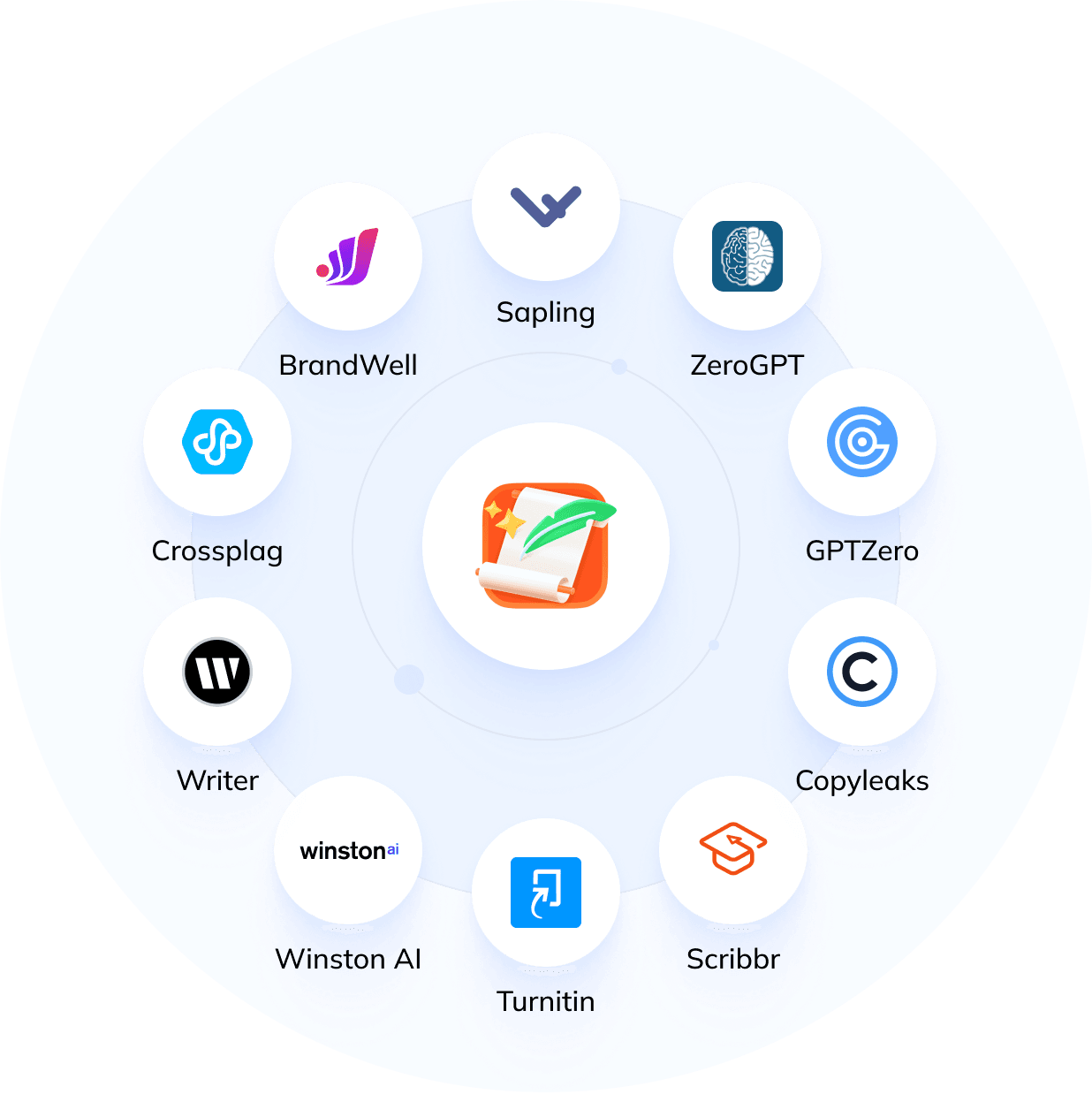
Review results from Turnitin, GPTZero and ZeroGPT.
Is Ladybug AI Safe?
Ladybug AI appears safe to use as an AI humanizer for rewriting text, but users should still review the output before submitting or publishing it. For academic use, students should follow their school’s AI and plagiarism policies.
Discover Free Tools to Take Your Writing Further
Do You Have Questions?
We have answers & AI tool resources for you.
Is Ladybug AI free?
Ladybug AI offers a free version with rewriting credits. Based on the product interface, free users can get 400 rewriting credits to test the humanizer before upgrading.
Can Ladybug AI bypass Turnitin?
Ladybug AI provides an Academic (Turnitin) humanize level and shows a Turnitin-style result after rewriting. However, no AI humanizer can guarantee 100% success on Turnitin or any AI detector.
What are Ladybug AI humanize levels?
Ladybug AI offers three humanize levels: Basic, Advanced, and Academic (Turnitin). These options help users choose how strongly they want the text to be rewritten.
Does Ladybug AI show AI detector results?
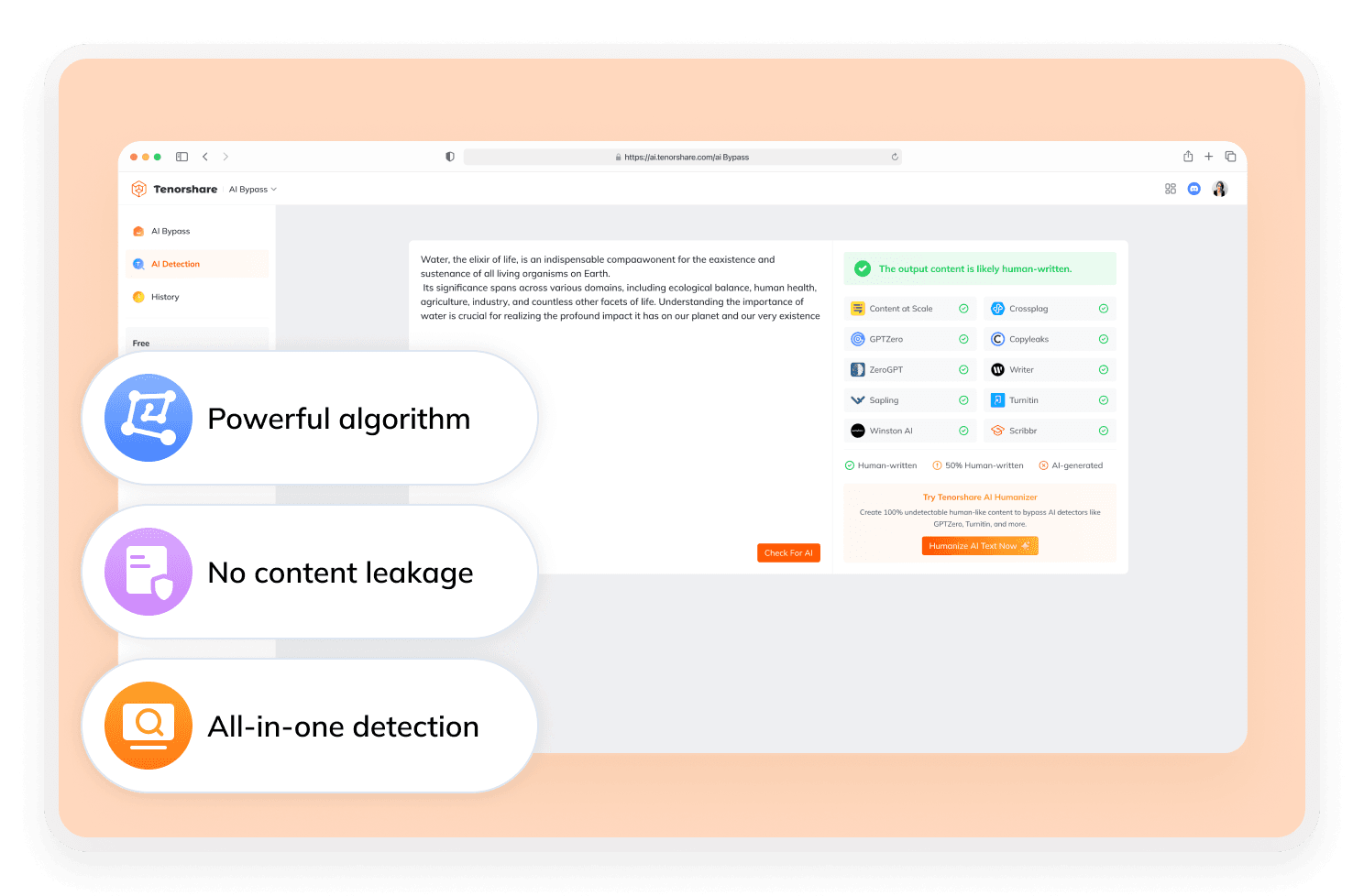
Yes. Ladybug AI shows detector-style results for Turnitin, GPTZero, and ZeroGPT, plus an AI-generated percentage.
Does Ladybug AI include paraphrasing and citations?
Yes. Ladybug AI includes a paraphraser and citation tools, which can help users rewrite drafts and organize writing sources.
What’s the best alternative to Ladybug AI?
Tenorshare AI Bypass is a strong alternative for users who want more rewriting flexibility. Ladybug AI gives users rewrite control with Basic, Advanced, Academic (Turnitin), and priority options. Tenorshare AI Bypass goes further with 7 rewriting styles and 3 rewriting modes, giving users more ways to adjust tone, strength, and output direction.
Looking For Ladybug AI Alternatives?
For stable AI content that stays undetectable, start using Tenorshare AI Bypass now.
