
GentleText: AI Humanizer for Calm, Natural Writing
Turn AI-generated drafts into clear, warm, and human-like writing.
What Is GentleText?
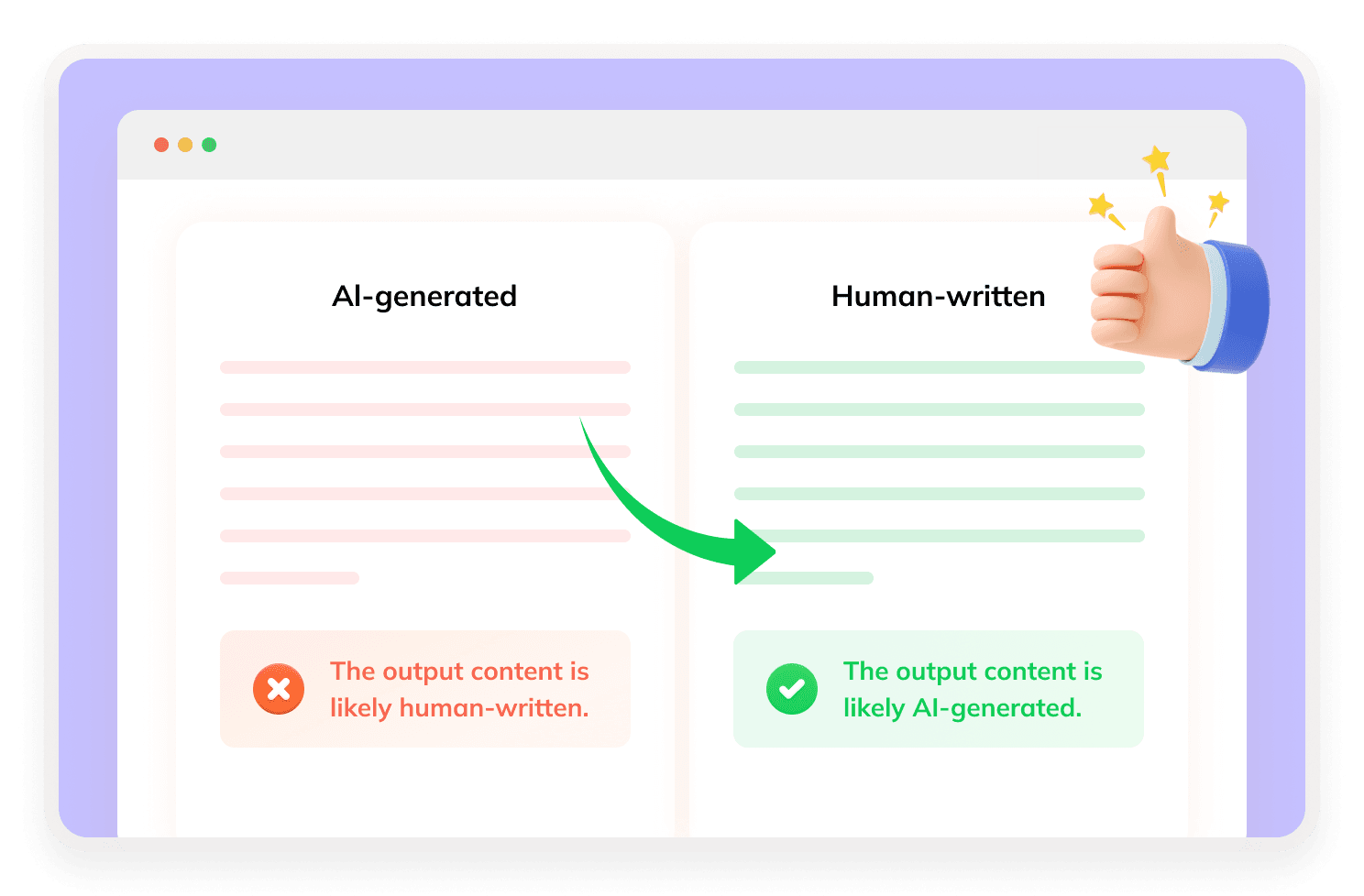
GentleText is an AI text humanizer that helps rewrite AI-generated content into more natural, polished writing. It focuses on clarity, rhythm, tone, and human-like expression instead of simple synonym replacement.

How Does GentleText Work?
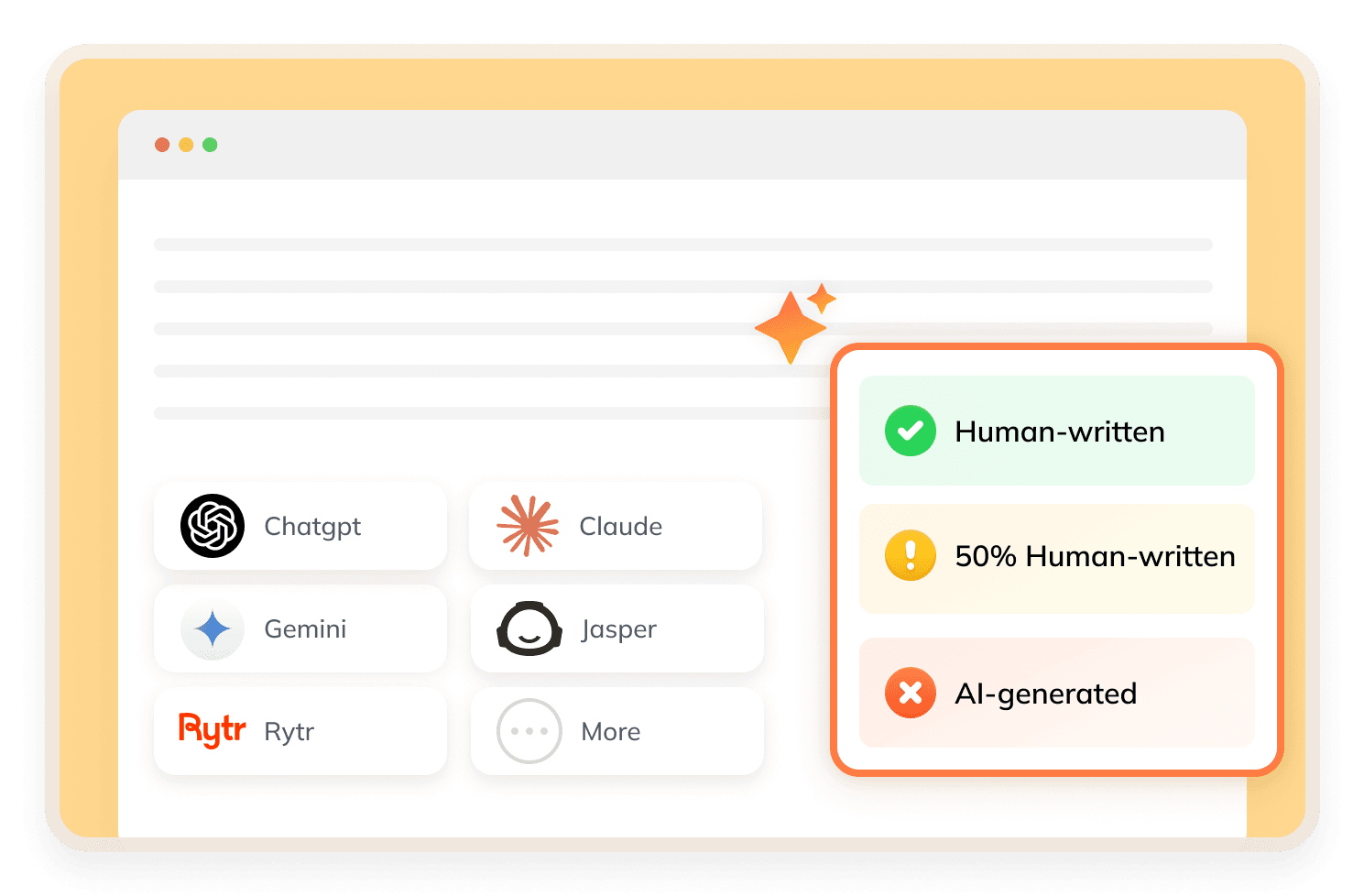
GentleText optimizes AI-generated content by restructuring sentences and refining rhythm, word choice, and overall readability. It specializes solely in text rewriting and polishing, with no built-in AI detector, AI similarity score, or post-rewrite bypass report feature.
What Makes GentleText AI Stand Out?


Editorial Humanization Engine
GentleText focuses on layered editorial rewriting. It improves structure, rhythm, and word choice so the output reads more naturally.
File Upload Support
Users can paste text or upload PDF, DOCX, and TXT files, making it useful for longer drafts and document-based workflows.
Rich Text Editing Panel
GentleText includes an editor where users can adjust formatting, such as text color, background, size, indentation, and text style.
Saved Versions and History Shards
GentleText lets users save selected rewritten versions and return to previous history shards later.
How to Use GentleText?
Step 1
Paste or Upload Your Text
Paste your AI-generated content or upload a PDF, DOCX, or TXT file.
Step 2
Edit and Humanize
Use the editor to adjust formatting details and click to humanize.
Step 3
Check and Save
Review the output, and save useful versions for later history recall.
Is GentleText Good?
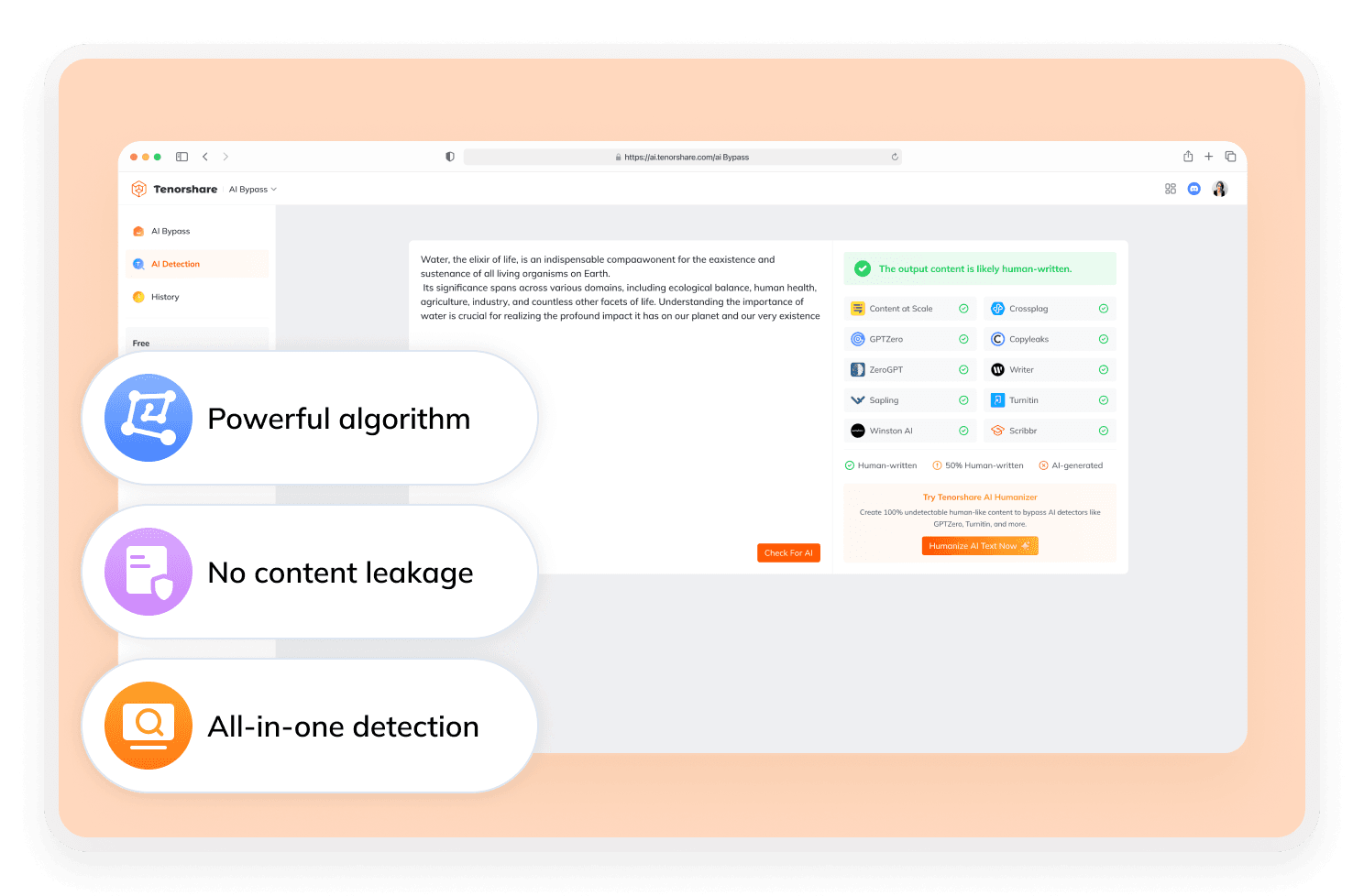
GentleText is a good choice for users who want more control over the rewriting and editing process. It offers many customization features, including rich text editing and persistent history shards. However, GentleText does not show bypass results. Users who need detector feedback should check the rewritten text with a separate AI detector.
Discover Free Tools to Take Your Writing Further
Do You Have Questions?
We have answers & AI tool resources for you.
Is GentleText free?
Yes. GentleText offers free credits for testing. Users can sign up for 500 free credits, and GentleText states that 1 credit equals 1 word.
Does GentleText support file upload?
Yes. GentleText supports document upload for PDF, DOCX, and TXT files.
Can GentleText save rewriting history?
Yes. GentleText supports persistent history shards after sign-in. Users can save selected rewritten versions and return to previous results later.
What editing tools does GentleText offer?
GentleText includes a rich text editing panel. Users can adjust text color, background, size, indentation, and other formatting details before or after rewriting.
Can GentleText bypass AI detectors?
GentleText is positioned as an AI humanizer and lists testing across detectors such as GPTZero, Turnitin, ZeroGPT, Copyleaks, and Originality.ai. However, no AI humanizer can guarantee 100% success across every detector.
What’s the best alternative to GentleText?
GentleText focuses on offering users rich custom editing options, while Tenorshare AI Bypass delivers a full rewrite-and-check workflow with built-in AI detection feedback to let users humanize text and view detailed detector results all in one place.
Searching for Reliable Alternatives to GentleText AI?
Need stable, fully undetectable AI writing? Give Tenorshare AI Bypass a go.
