
How to Bypass Character AI Age Restriction: What Actually Works in 2026
If you've been locked out of Character AI because of an age check you never saw coming, it's not just you. Since late 2025, Reddit threads on r/CharacterAI have been flooded with adults getting flagged as minors despite having the correct birth year on their accounts. Most of the fixes circulating online are either outdated or just don't work.
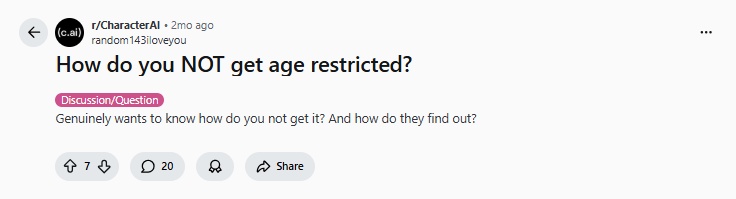
This guide cuts through the noise. Whether the verification system flagged you incorrectly, the process keeps breaking, or the timeout keeps hitting you out of nowhere, here's what's actually going on and what you can realistically do about it.
What Is Character AI Age Verification?
In November 2025, Character AI removed open-ended AI chat for users under 18, citing concerns from regulators, safety experts, and parents. As part of this rollout, the platform introduced age assurance technology to ensure users land in the right experience for their age.
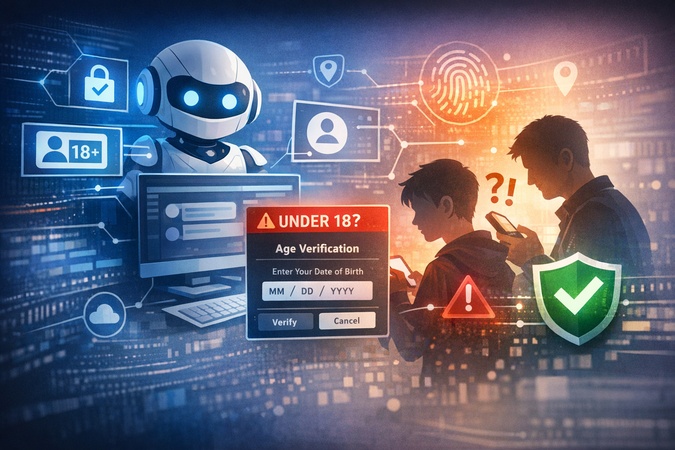
The system runs silently in the background. It analyzes signals like login info, platform activity, and third-party data. If it determines you're 18 or older, you won't see any prompt at all. Verification is only triggered when the system flags an account as potentially under 18.
What Verification Actually Unlocks
A lot of users assume age verification removes all content filters. It doesn't. Here's what actually changes:
| Feature | Unverified / Under-18 | Verified 18+ |
|---|---|---|
| Content filter sensitivity | Maximum (strict mode) | Relaxed for mature themes |
| Age-gated characters | Blocked | Accessible |
| Chat interruptions on gray-area topics | Frequent | Significantly reduced |
| Open-ended AI chat | Restricted | Full access |
| Public character creation | Limited | Unlocked |
Is Character AI Age Verification Safe?
Short answer: yes, with caveats worth knowing.
Character AI itself never sees your ID or selfie. The entire process is handled by Persona, a reputable third-party provider. Any submitted ID is only retained for one week before deletion. All Character AI receives is a simple age confirmation token.
That said, the Reddit community has raised fair concerns:
-
Linking core app features to biometric data feels invasive to many users
-
The platform's privacy policy is worth reading before you proceed
-
Some users prefer staying on unverified accounts rather than submitting any biometric data at all
How to Bypass Character AI Age Restrictions Safely
Let's be direct here: learning how to bypass Character AI restrictions or how to bypass c.ai age verify sounds appealing, but there is no technical hack that works in 2026. The internet is full of methods claiming to skip the ID scan, but none of them work reliably. Character AI partners with Persona, a sophisticated identity verification platform used by major financial institutions, making fake ID attempts essentially useless.
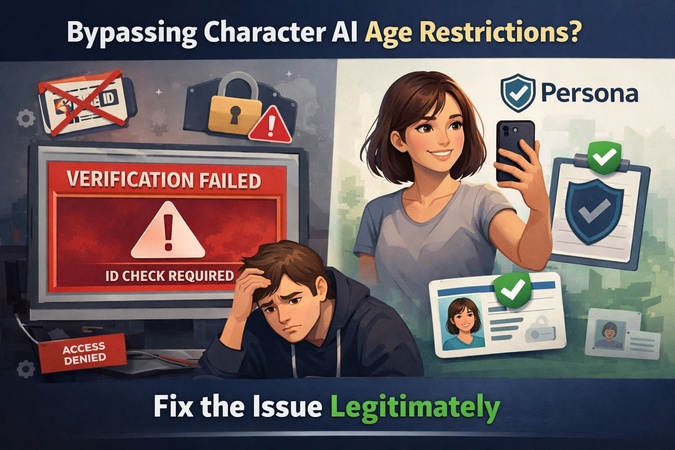
What you can do is fix the underlying issue that caused you to be flagged in the first place, and complete the legitimate verification process without risking your account.
Why Adults Keep Getting Flagged
Character AI's system doesn't just check the birth year on your account. It runs a behavioral model using login patterns, activity history, and third-party signals to estimate your age independently. That's why adults with completely accurate account information still get flagged. The algorithm is running its own inference, and that model has a significant false positive rate.
Some users receive a warning without actually being restricted. A simple way to test this: use the app for two hours straight . If you don't get timed out, you're likely in the clear and the notice was just a broad reminder.
Step-by-Step: The Legitimate Verification Process
-
Open the verification prompt
Mobile: Settings > Advanced > Verify Age
Web: character.ai > Settings > Advanced > Verify Age
If the button isn't there yet, the feature hasn't rolled out to your account. No action is needed; your existing access stays active in the meantime.
-
Complete the selfie check
Keep your lights on and make sure light shines directly on your face, not from behind you. Position the camera at eye level, look straight into the lens, disable filters, and make sure you're the only person in the frame. Keep movements slow and steady.
-
If the selfie fails on mobile
Switch to a desktop browser. Mobile apps handle camera permissions aggressively, and cached errors on iOS or Android can cause repeated failures. The desktop version uses a more stable API connection with Persona. Multiple failed attempts on mobile can also trigger a temporary IP timeout, making things worse.
-
ID upload as a last resort
Only a small group of users ever reaches this step. If Persona can't confirm your age from the selfie alone, it will prompt you to upload an ID. As noted above, that data goes to Persona only and is deleted after one week.
-
If everything fails
Submit a support ticket via Settings > Help . State that you've experienced a "biometric scan API failure," include your account handle and associated email, and offer to provide documentation through a secure support channel.
What Definitely Does NOT Work
| Method | Why It Fails |
|---|---|
| Inspect Element | Removes the popup visually, chat remains disabled server-side |
| VPN | Verification is tied to account behavior, not IP. VPNs often trigger extra security flags. |
| Fake IDs | Persona detects edited metadata, font inconsistencies, and missing holographic features. Immediate permanent ban. |
| "Bypass services" on Discord | Most are phishing scams after your login credentials. Never share your account details. |
Why Does Character AI Have a Timeout and How to Stop It?
There are three different types of timeout on the platform. If you're wondering why does C haracter AI have a time out in the first place, the answer depends entirely on which type you're hitting. Most guides treat them as one issue. They're not.
Type 1: The 24-Hour Moderation Timeout
This triggers when a conversation drifts into content that trips the platform's safety filter. It's not a suspension; the AI itself initiates content that gets flagged, and the account locks for 24 hours automatically.
How to reduce the chances of hitting it and how to stop c AI timeout for good:
-
Stay within the platform's content guidelines during role play
-
Use Out of Character (OOC) tags to redirect conversations before they escalate
-
Avoid stacking multiple borderline topics in the same conversation thread
Type 2: The Under-18 Daily Chat Limit
As part of the November 2025 safety changes, Character AI introduced a daily chat time limit for users identified as under 18, capped at 2 hours per day.

Tip:
If you're hitting this as an adult and want to know how to bypass Character AI timeout, the fix is completing the verification steps above, not any third-party tool.
Type 3: Server Timeouts
These are purely technical and unrelated to age or content. Quick fixes:
-
Check status.character.ai to confirm it's a platform-side issue
-
Try the web version instead of the mobile app
-
Log in during off-peak hours; early mornings tend to be the most stable
-
Clear your browser cache if the page isn't loading properly
Character AI Age Verification Not Working? Here Are the Fixes
The Verify Age Button Is Missing
The rollout is gradual and currently limited to the US. If the button isn't showing, your account hasn't reached that stage yet and no action is needed.
Selfie Keeps Getting Rejected
-
Move to a well-lit space with light facing you directly
-
Remove glasses, hats, or accessories
-
Try a different device with a higher-quality front camera
-
Disable beauty or filter modes in your camera settings before retrying
Account Flagged Despite Correct Birthday
The system runs a behavioral model independently from your stated birthday. Adults who write casually, use ESL grammar, or spend long sessions in chat are more likely to be pushed into the "minor" bucket with no explanation.
If you need to known how to change age in c AI or correct a false flag, here's what helps:
-
Link your account to a Google account with a clear 18+ birth date
-
Contact support and submit a manual review ticket explaining the false flag
Nothing Works at All
If you've failed the verification process multiple times, the system may have flagged your account server-side. Clearing cache or switching browsers won't help at that point. A manual support ticket is the only remaining option.
Boost Your AI Writing with Tenorshare AI Bypass
If you're a student using AI tools to help draft essays, research summaries, or assignment outlines, you've probably run into a completely different kind of restriction: AI detection . Tools like Turnitin, GPTZero, and Originality.ai have gotten significantly better at flagging AI-assisted content, which creates real problems even when you're using AI responsibly.

Tenorshare AI Bypass is built specifically for this situation. It humanizes AI-generated text so it reads naturally and passes the most common academic detection tools, without losing the substance of what you wrote. Key reasons students use it:
-
Clears Turnitin, GPTZero, and Originality.ai
-
Keeps your original argument and meaning intact
-
Outputs text that reads like a real person wrote it, not a paraphrasing tool
-
Fast turnaround: paste your draft, get humanized output in seconds
If you're putting time into AI-assisted drafts only to watch them get flagged before submission, Tenorshare AI Bypass is a practical tool worth adding to your writing workflow.
Final thoughts
Most Character AI age verification issues have real fixes that don't require risky workarounds. Complete the legitimate process, follow the troubleshooting steps if it breaks, and stay away from any service claiming to "bypass" the system from the outside.
If AI-assisted writing is part of your student workflow, it's worth knowing about Tenorshare AI Bypass . It handles the other major restriction college students run into: getting flagged by academic AI detection tools when submitting coursework.

Tenorshare AI Bypass
- Create 100% undetectable human-like content
- Bypass all AI detector tools like GPTZero, ZeroGPT, Copyleaks, etc.
- Original content, free of plagiarism and grammatical errors
- One-click AI bypass with a clean and easy-to-use interface

FAQs
How to verify age on Character AI without ID?
Complete the selfie check through Persona. An ID is only requested if Persona can't confirm your age from the photo alone. Use a well-lit space, disable camera filters, and switch to desktop if mobile keeps failing.
How to bypass Character AI character limit?
Split longer messages into multiple turns instead of sending one large block. Some users also break up roleplay prompts into separate setup messages before continuing the scene. No account changes needed.
Can I use Character.Al without verifying my age?
Yes, but you'll be locked into strict filters and can't access age-gated characters or save long-term chats.
How do I change my age in Character AI?
Once locked, you can't change it freely. If you entered under 18 by mistake, contact Character AI support directly for a manual correction.
Is it safe to submit a selfie to Character AI?
Yes. Character AI never sees your biometric data. Persona handles the check and deletes any submitted ID after one week.
What happens if I use a fake ID?
Your account gets permanently banned, and your device may be fingerprinted to block future account creation.
You Might Also Like
- How to Bypass Grok Image Moderation Easily?
- Step-by-Step Guide: How to Disable Gemini AI on All Platforms
- The Rise of General AI Agents: How Manus AI Changing the Game
- Why Manus Is So Powerful - The Next Game-Changer in AI Automation
- Manus AI Agent: What It Is and How to Get a Manus AI Invitation Code
- How to Use Alibaba's Qwen 2.5 Max AI Video Generator for Free: We Tested It!

Tenorshare AI Bypass: 100% Bypass AI Detection
Turn AI text into undetectable, human-like content.AI Humanizer, 100% Undetectable
Humanize AI text instantly.
Tenorshare AI Bypass: 100% Bypass AI Detection